1
How To Use: T5-0, T5-5, & T7-0
How to Use the Workouts
7
5K Workout (Advanced – Athlete) – T5-0, T5-5 and T7-0
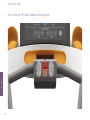
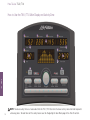
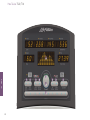
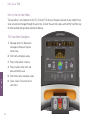
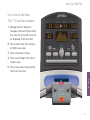
Access: The 5K Workout can be accessed on the T5-0 by pressing the
Workout Profiles key or on the T5-5 / T7-0 by pressing the Sports Training
key until 5K is displayed in the message center then pressing Start/Enter.
HOW TO
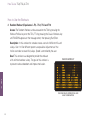
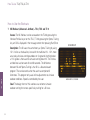
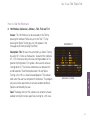
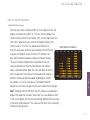
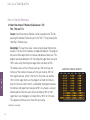
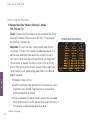
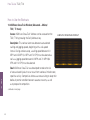
Description: The 5K uses the same theory as Sports Training by using
1.5% incline as the baseline, instead of the traditional 0%. 1.5% more
accurately simulates running outdoors on flat ground. Anything below
a 1.5% grade is then used to simulate running down hill. The inclines
and declines last between 30 and 60 seconds. The difference
between 5K and Sports Training is that 5K is a distance-based
program. The workout ends when the user has completed 5
kilometers. This program only uses incline adjustments to simulate
outdoor conditions. Speed is controlled by the user.
Goal: The design intent of this workout was to better simulate
outdoor running for runners specifically training for a 5K race.
32
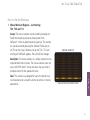
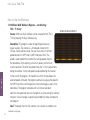
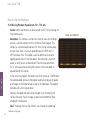
5K WORKOUT
BASE-LINE 1.5% INCLINE