1
How To Use: T5-0, T5-5, & T7-0
How to Use the Custom Workouts Feature
Custom Workouts
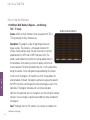
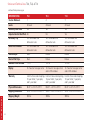
Custom workouts are workouts that can be designed by the user. The T5-0 has 1 custom record, the T5-5 has
2 custom intervals and 2 custom records, and the T7-0 has 3 custom intervals and 4 custom records.
There are 2 types of custom workouts.
Custom Interval
• Custom interval allows the user to customize a workout by adjusting speed and incline or target heart rate in
time intervals.
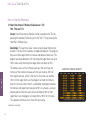
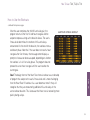
• First select the duration of the workout. The number of intervals is always 30, so the length of each interval
equals the selected duration divided by 30. Each interval is identified by the time at which it occurs during
the workout.
HOW TO
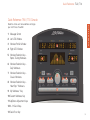
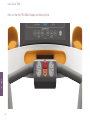
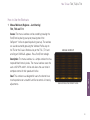
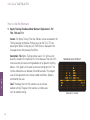
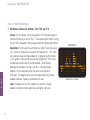
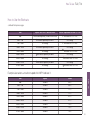
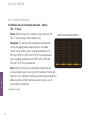
• If Speed/Incline is selected, the MESSAGE CENTER displays each interval, identified as the time at which
the interval occurs. For each displayed interval, enter a speed and enter an incline grade. Press Enter to
confirm each selection. After values are selected for all 30 intervals, the MESSAGE CENTER displays the
statement, “CUSTOM WORKOUT COMPLETED.” Press Pause/Clear to return to Select Workout screen.
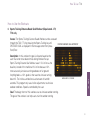
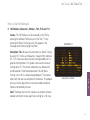
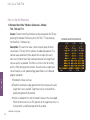
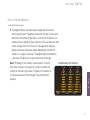
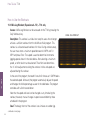
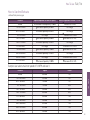
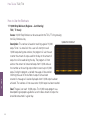
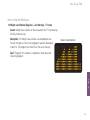
If Target Heart Rate is selected, the MESSAGE CENTER displays each interval, identified as a numeral from
1 to 30. For each displayed interval, enter a target heart rate. Press Enter to confirm each selection. After
values are selected for all 30 intervals, the MESSAGE CENTER displays the statement, “CUSTOM
WORKOUT COMPLETED.” Press Pause/Clear to return to Select Workout screen.
continued on next page
62