1
¡ 2.7 Operations
¡2.7.1 Depth data collecting
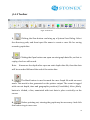
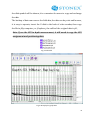
Firstly, run E6 software on the desktop. And tap
or
, you will
see wave data in the right of window.
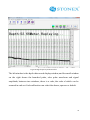
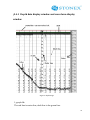
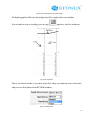
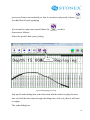
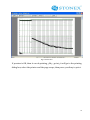
There are two kinds of waveforms, one is launch waves, and the other is
receiving waves. You can change the parameters to adjust the showing waves
window.
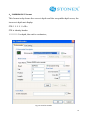
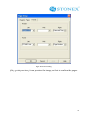
If you want to record the data, you can new a file. In menu File, you can see
NEW, tap it, then give a name of the file. Then tap OK. Data will be recorded
automatically when waves is showing.
If you want to add the data to an exist file, please go to FILE¡ OPEN, to open an
existing file, then tap
, the new data will be recorded following exist
ones.
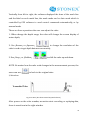
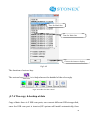
If E6 is as replay mode, you want to record the data, you need tap
to
end replay, then tap ¡start¡ and set the parameters, then start to record.
42