1
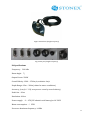
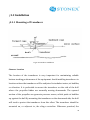
Fig.2-6 Keyboard & mouse wiring
Fig.2-7interface of keyboard and mouse
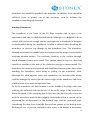
Fig.2-8 12V external power cable
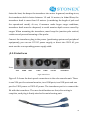
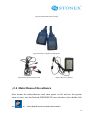
Fig.2-9 E6 power adapter
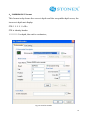
¡ 2.4 Main Menu of E6 software
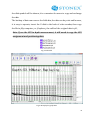
After mount the related devices well, then power on E6, wait for the system
starts to enter into the Embede WINDOWS XP user interface, then double click
icon
to
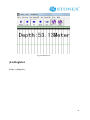
enter depth measurement main menu.
23