1
Guide to Writing KWDB Compatible Code
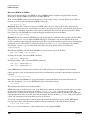
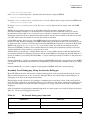
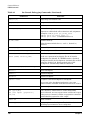
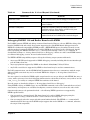
Adding New Data Structures
Adding New Data Structures
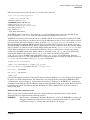
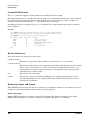
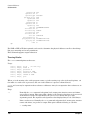
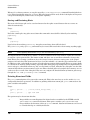
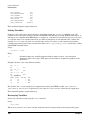
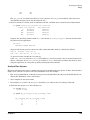
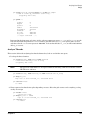
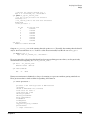
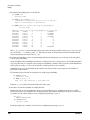
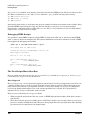
KWDB can manipulate and print any kernel data structure — which appears in the kernel’s symbolic debug
information. This means add support for favorite data structures without having to change KWDB.
What’s Needed
Access to these data structures during debugging is usually through global variables or local variables if at
breakpoint.
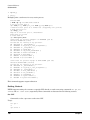
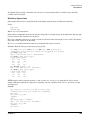
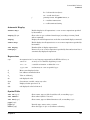
In addition to struct’s and union’s KWDB can also handle enum’s. KWDB prints the values of fields declared
as enumerated types symbolically, therefore debugging is easier if fields are declared using enumerated types
rather than int’s and #define’s.
Adding a New Data Structure
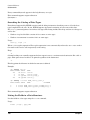
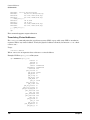
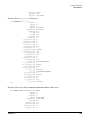
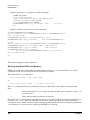
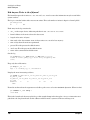
Here is the simple recipe for adding a new data structure:
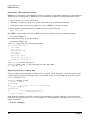
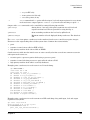
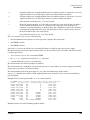
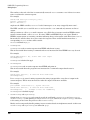
1. Create a source file for your subsystem or driver’s KWDB debug information. It should be a real source
file (foo.c), not a header (foo.h). If such a file is already created for other data structures, reuse it here.
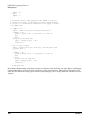
2. Define the data structure in the file. The most common way to do this is to #include in this file whatever
header file actually defines the data structure.
3. Arrange for this file to be compiled with symbolic debug turned on (-g and +noobjdebug) and the
optimizer turned off (no -O).
4. Arrange for the object file produced from this source (foo.o) to be linked into the kernel whenever the
subsystem or driver is linked in. This may mean:
— explicitly pulling it out of a library and linking it in, or
— including in it a symbol definition that is referenced in your subsystem or driver’s code.
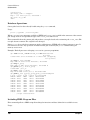
There are several caveats worth mentioning:
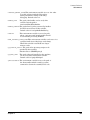
•
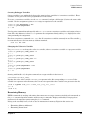
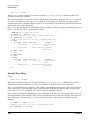
This file should not be used for anything but KWDB definitions. Since symbolic debug will be turned on
for the entire file any code appearing in it will not be optimized (or optimized poorly). Also, symbolic
debug info will be generated for this code which will make the vmunix file bigger but which KWDB will
not use.
•
If a data structure already appears in the symbolic debug info try not to include it again. Doing so doesn’t
break anything, but it does make the vmunix file bigger.
Chapter 10
261