1
ASX Limited
ASX Clear (Futures) Margin Simulator User Manual V2.3
4.
Managing Allocations
4.1.
Allocations Screen
4.1.1.
Overall Summary
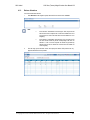
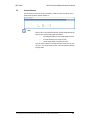
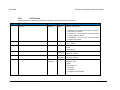
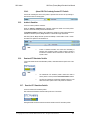
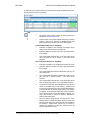
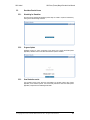
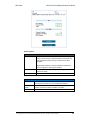
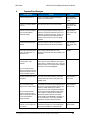
The Allocations Screen allows the user to retrieve all Cross Margin eligible ETD positions for a
given portfolio and submit modified Allocations for approval by an Administrator or approve any
Allocation Instructions submitted by an Allocator. Only users with Allocator or Application Support
user access will be able to access the Allocations or Allocation History Screens.
Note:
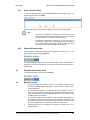
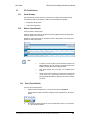
When a user navigates away from the Allocation screen and back via the
Allocation icon in the navigation pane the data in the screen will be
automatically refreshed.
If there is no Approved Allocation Instruction per instrument this will be
considered as a 0 allocation.
Note:
A user can return to landing page at any time by clicking Previous.
A user can click on the instrument code and be directed to the Allocation
History screen which will show allocation history data for that instrument.
4.1.2.
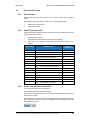
Instrument Eligibility
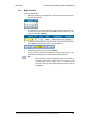
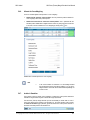
The following will guide the screen behaviour with regards to instrument eligibility
Note:
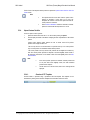
Instruments not eligible for cross margining will not be shown in the
Allocations screen.
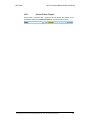
Cross margin eligible instruments with 0 Net Positions (but an equal long and
short) will be shown but greyed out with 0 allocation – user cannot amend
allocations
Cross margin eligible instruments with less than five days before expiry will
be shown but greyed out 0 allocation – user cannot amend allocations
© Copyright 2014 ASX Limited ABN 98 008 624 691. All rights reserved 2014
11.