1
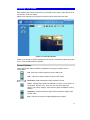
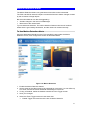
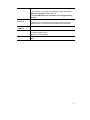
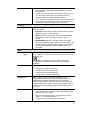
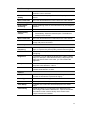
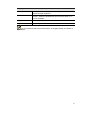
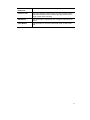
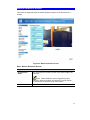
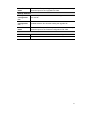
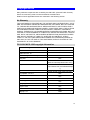
Mirror. Click this to have the image swapped left-to-right.
Audio On. This icon is displayed if audio is On. Click on the icon to
turn audio Off.
Audio Upload. This icon is displayed when the Speaker (Audio &
Video screen) is enabled. Use this slider to adjust the volume.
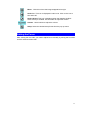
Volume. Use this slider to adjust the volume.
Setup. Select the desired setup format from the pop-up menu.
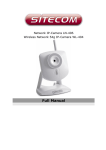
Setting the Focus
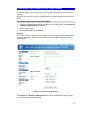
After viewing the live video, you need to adjust focus manually by turning the front lens
until the video becomes clear.
17