1
Using TrackRecord with Version Control Systems
Version control system (VCS) applications help you manage projects by
controlling and tracking source and other project files. You can
integrate TrackRecord with VCS applications, such as Microsoft Visual
SourceSafe, Merant PVCS, and MKS Source Integrity. Integrating
TrackRecord with a version control system lets you check files in and
out from within TrackRecord, open read-only versions of source files,
and synchronize TrackRecord releases with VCS labels.
When you integrate TrackRecord with a VCS application, each tool
tracks parallel sets of changes to your software projects: TrackRecord
tracks change requests and their resolution, such as defects that have
been fixed or features that have been added, and your VCS application
tracks changes to files. By integrating the tools, you can identify which
source file changes were associated with specific change requests.
For example, a developer fixing a defect checks out source files, makes
changes to them, and checks them in again. If a problem with the
defect fix is subsequently identified, you can use the VCS files to
identify and roll back the files that were modified, making it easier to
resolve the problem.
For each file, release, and project in a VCS application, TrackRecord
maintains a corresponding item in the database. This item references
the source file. In most situations, TrackRecord creates items
automatically when you check files in or out. However, you must
update information for milestones, projects, and for file items that
already exist in TrackRecord.
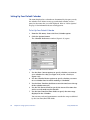
To Associate a TrackRecord Project with a VCS Project
1
Open a new or existing project in TrackRecord.
〫 To open a new project, from the File menu choose New/Other.
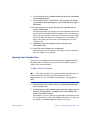
2
Using TrackRecord
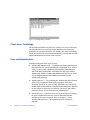
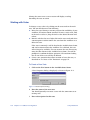
From the Choose a Type window, select Project and click New.
〫 To open an existing project, from the File menu choose Open/
Other. From the Item Browser, select Project and double-click
the appropriate project name in the Items list.
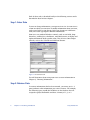
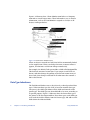
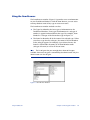
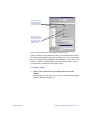
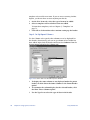
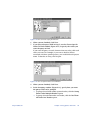
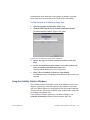
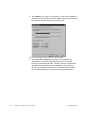
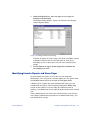
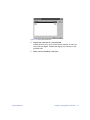
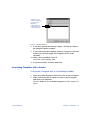
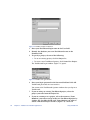
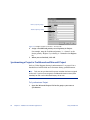
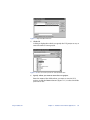
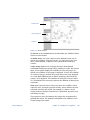
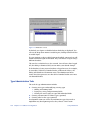
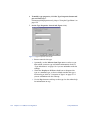
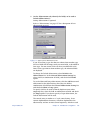
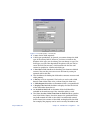
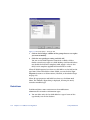
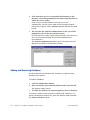
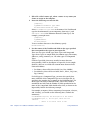
When the Project form opens, click the button beside the VCS
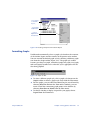
Project Name field (Figure 7-7).
Chapter 7: TrackRecord and Other Applications
97