1
Novastor NovaBACKUP
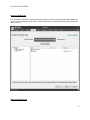
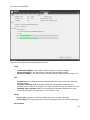
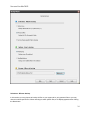
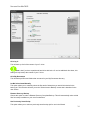
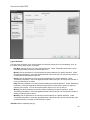
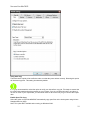
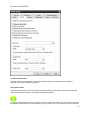
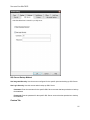
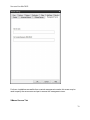
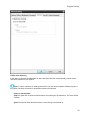
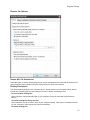
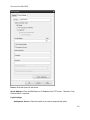
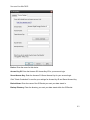
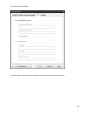
Backup Name
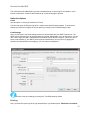
Typing a name for the backup is required and is used as the description for the backup task as well as
the script name upon which the job is saved. The default name specified is "My Backup"
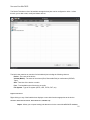
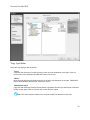
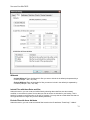
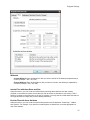
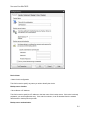
Backup Destination
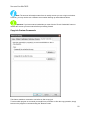
This allows you to set the backup device/path to be used for your backups. To select your backup
destination, click on the "Backup To" button.
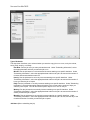
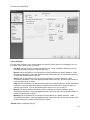
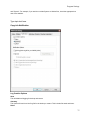
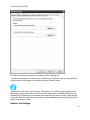
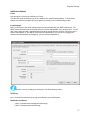
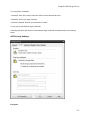
Backup Type
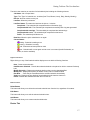
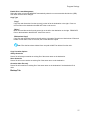
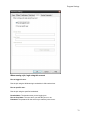
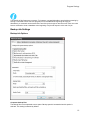
Here, you can select the type of backup you want to create:
Full
Backs up all selected files, and marks each file as backed up. This is the default setting.
Incremental
Backs up (and marks as backed up) selected files that have either not been backed up previously
or have changed.
Differential
Backs up selected files that have either not been backed up previously or have changed. These
backed up files are not marked as backed up, however.
Snapshot
Backs up all selected files and does not mark any files as backed up.
36