1
Program Database, System State & Registry Backup and Restore
•Boot files, including the system files, and all files protected by Windows File
Protection (WFP).
•Active Directory (on a domain controller only).
•Sysvol (on a domain controller only).
•Certificate Services (on certification authority only).
•Cluster database (on a cluster node only).
•The registry.
•Performance counter configuration information.
•Component Services Class registration database.
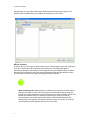
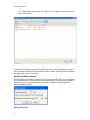
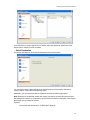
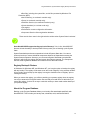
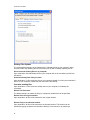
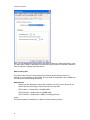
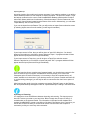
These are the items seen in the right selection window when System State is selected.
Does NovaBACKUP support backing up Active Directory? Yes, in fact, NovaBACKUP
features include the ability to backup Active Directory when you are backing up the System
State.
System State backup and restore operations include all System State data. You cannot
choose to back up or restore individual components because of dependencies among the
System State components. However, you can restore System State data to an alternate
location in which only the registry files and system boot files are restored. The Component
Services class registration database is not restored to the alternate location.
Registry Backup & Restore
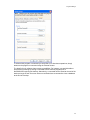
In Windows® 98, Windows® ME, and Windows® NT, you have the option to backup the registry
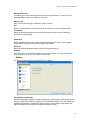
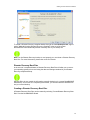
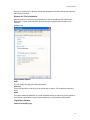
with any backup. The registry will be seen as an item under "Registry" in the selection window.
All you need to do to backup up the registry is to tag the checkbox next to "Registry" prior to
running the backup.
When you restore the registry, you will be overwriting your present registry since the registry
can only be restored to its original location. Be sure that you would like to do this before you
restore the registry, for there is no way to undo this unless you have made another backup of
your present registry.
About the Program Database
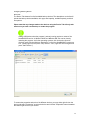
Backing up the Program Database allows you to backup files associated specifically with
NovaBACKUP. This includes your backup sets, schedules, tools, and filtered folders.
33