1
University Clinical Education Managers
Step 2
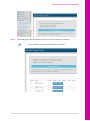
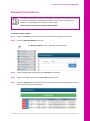
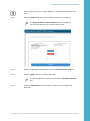
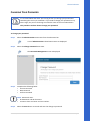
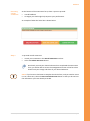
Select the Allocate Selected bar to allocate the student/s you have ticked.
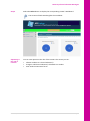
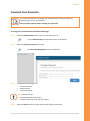
The Allocate a Group of Students screen is displayed.
Complete the details on this screen and then select save.
The information entered will automatically be listed against all of
the students in the group.
Viewing/Saving a list of students in a block
Step 1
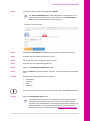
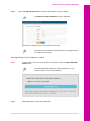
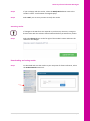
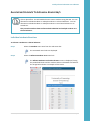
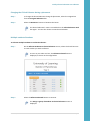
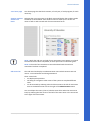
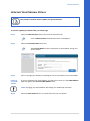
To view and/or save a list of the students in the block, select the Export Allocation
Table button.
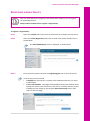
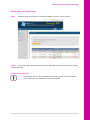
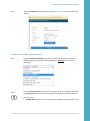
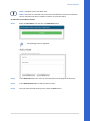
An Excel Spreadsheet dialog box may be displayed. You can
choose to open or save the spreadsheet.
Step 2
Select OK to open or save the spreadsheet.
APPLinkup User Manual
V2 November 2014
Page 34