1
Section 5: Adding, Patching, and Managing Fixtures
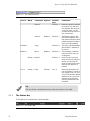
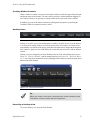
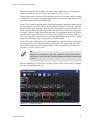
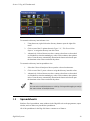
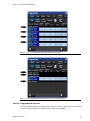
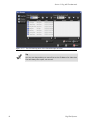
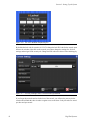
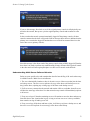
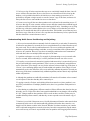
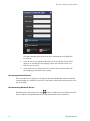
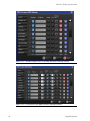
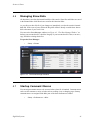
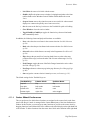
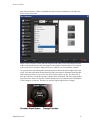
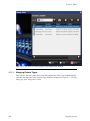
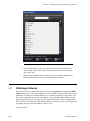
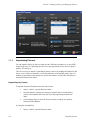
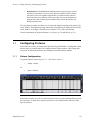
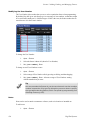
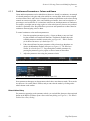
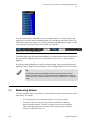
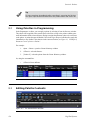
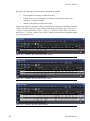
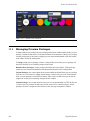
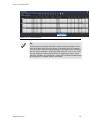
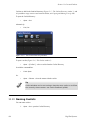
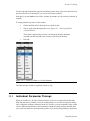
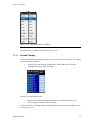
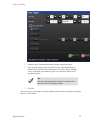
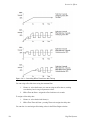
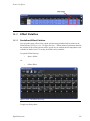
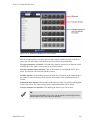
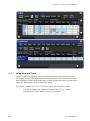
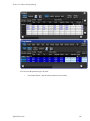
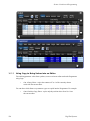
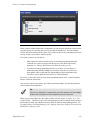
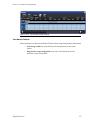
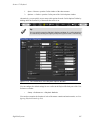
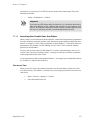
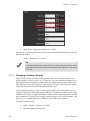
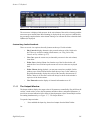
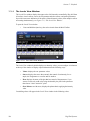
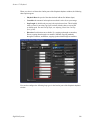
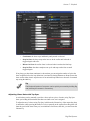
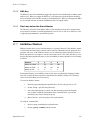
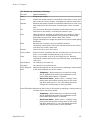
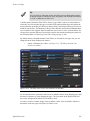
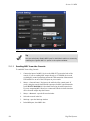
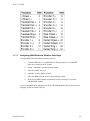
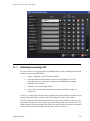
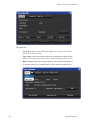
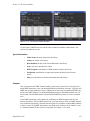
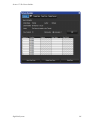
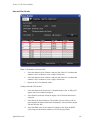
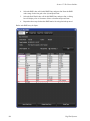
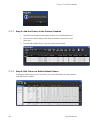
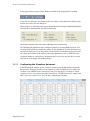
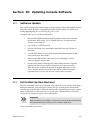
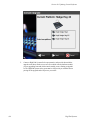
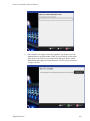
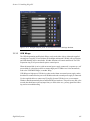
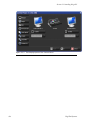
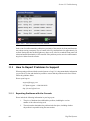
Figure 5.1. The Fixture Schedule window
5.2
3.
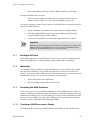
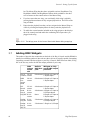
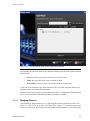
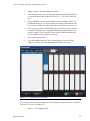
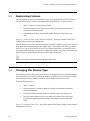
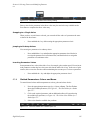
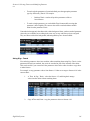
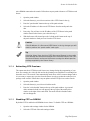
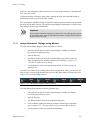
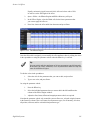
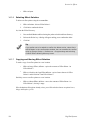
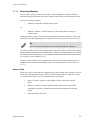
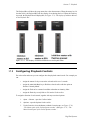
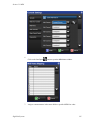
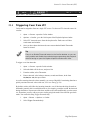
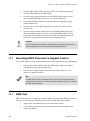
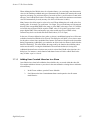
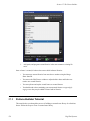
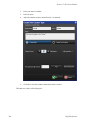
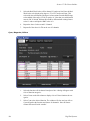
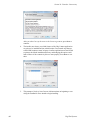
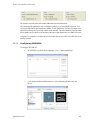
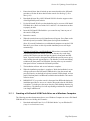
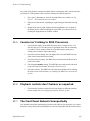
Once you find the fixture type you wish to add, click on or touch the fixture
in the list and use the count column to input the number fixtures of that type
your wish to add.
4.
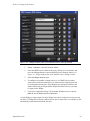
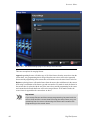
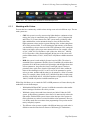
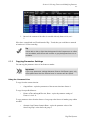
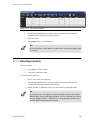
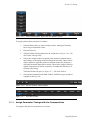
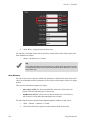
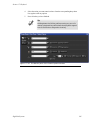
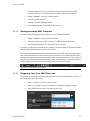
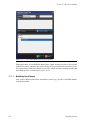
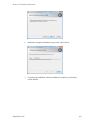
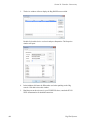
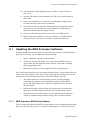
When you have finished select OK and you will now see these added fixtures
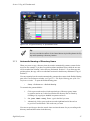
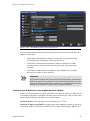
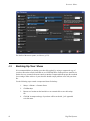
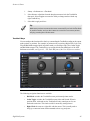
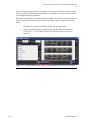
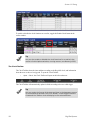
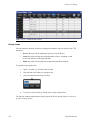
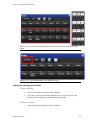
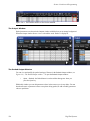
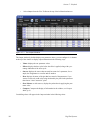
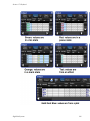
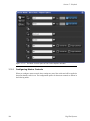
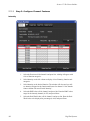
list in the patch window where you will patch them to outputs.
Patching Fixtures
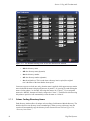
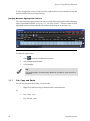
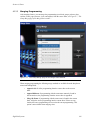
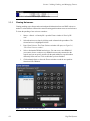
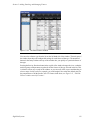
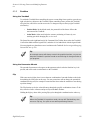
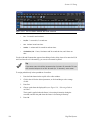
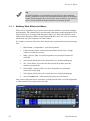
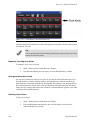
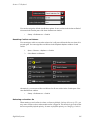
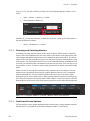
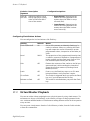
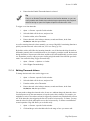
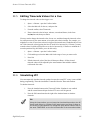
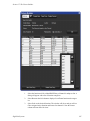
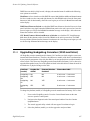
Once fixtures have been added to the show, they need to be patched to the appropriate DMX
address. Many fixtures, such as moving lights, use several DMX channels to control their various
parameters. Generally, these DMX channels are in a continuous numerical range, and it is the
first of these channels (known as the ‘start address’) that is the DMX address that you assign
during the patching process. Hog 4OS uses the information about the fixture contained in the
Fixture Library to calculate how many DMX channels are used by the fixture, and assigns them
accordingly, starting at the Start Address you have given.
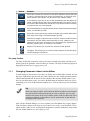
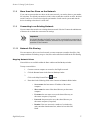
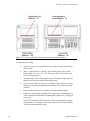
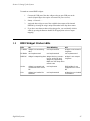
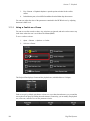
To patch a fixture:
106
High End Systems