1
DOC-UM-20035-4.1
User Manual eS-WiFi Module
4.19 System Information Flash
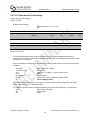
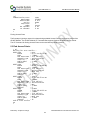
The AT commands can be saved into flash to initialize the systems, such as customer Mac address,
out the auto connect to join a network once the SSID and password have been saved into “User
Space”.
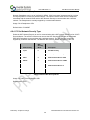
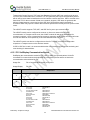
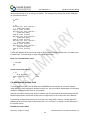
We architected the flash memory to have two banks of flash, partitioned as :
1. Factory Default Space
2. Customer “User Space
We recommend that customers save there default settings in “User Space” and if you have
trouble with flash in the field or a flash error, you can switch to “Factory space” and do a reset , this
will erase the flash in the “User Space” , this starting the module in a known state.
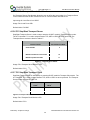
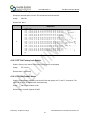
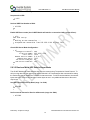
4.19.1 'Z0' Reset To Factory Defaults
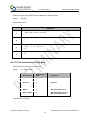
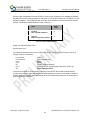
Reset the current user space settings to factory default. The setting are not saved until a 'Z1'
command is issued. You cannot be connected to a Network when trying to reset eS-WiFi to defaults.
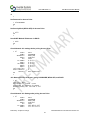
Usage:
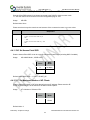
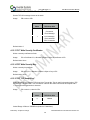
Z0<CR>
Default Value: None
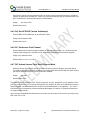
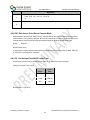
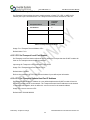
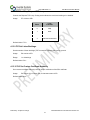
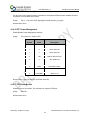
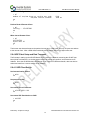
4.19.2 'Z1' Save Current Settings
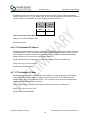
Saves the current user setting to the space selected with the 'Z3' command.
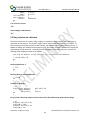
Usage:
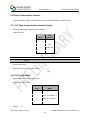
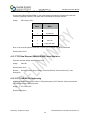
Z1<CR>
Default Value: None
Preliminary - Subject to change
eS-WiFi Module AT Command Set Version v4.1
58