1
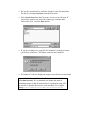
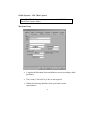
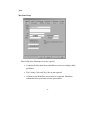
1. Open the batch you wish to import, if it is not already open. See the
instructions under “Opening an Existing Batch.”
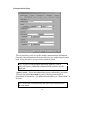
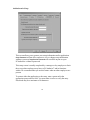
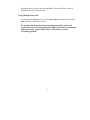
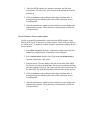
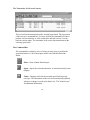
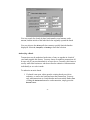
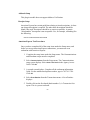
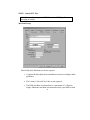
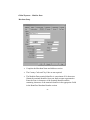
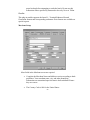
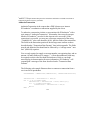
2. Select ,PSRUW7UDQVDFWLRQV from the File menu. The following screen
displays:
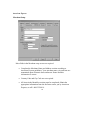
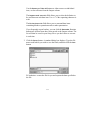
Double click on each item in the Item List column (or click on the item
and then click on the 0RYH button) to move each field to the Input
Order column. The data items will be imported in the order shown in
the Input Order column, so plan which items you wish to import.
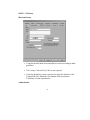
Use the 5HPRYH and &OHDU$OO buttons to either remove an individual
item, or clear all items from the Input Order column.
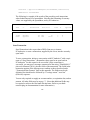
The ,WHPVDUHVHSDUDWHGZLWK field allows you to select the delimiter to
be used between each data item. Use a “t” if the separating character is
a tab.
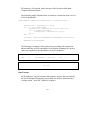
The ,WHPVDUHHQFORVHGZLWK field allows you to surround data items
containing blanks or quotation marks or other punctuation.
114