1
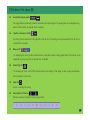
14. Buttons of the viewer (2)
6.
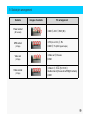
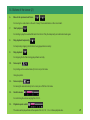
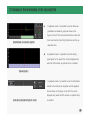
Move to the previous/next frame
For moving to a video taken in the unit of every 10 seconds before or after an incident.
7.
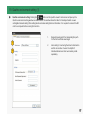
Start playback
For starting to play the selected file back from the list. Play the temporarily recorded video back again
8.
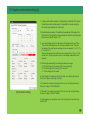
Stop playback temporarily
For temporarily stopping the file that is being played back currently.
9.
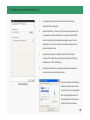
Stop playback
For stopping the file that is being played back currently.
10.
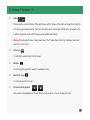
Screen print
For printing out the selected video (Front or rear) in full scale
through a printer.
11.
Screen capture
For saving the selected video (Front or rear) as a JPG file in full scale.
12.
Control volume
For controlling the volume ranging from 0 to 10.
13.
Playback speed control
The video can be played back at the speed of the 1/4, 1/2, 1, 2 or 4-times playback rate.
21