1
Using the Pump
Setting up the Pump with the Instrument Control Interface
4
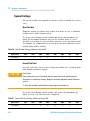
Timetable Settings
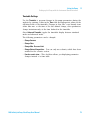
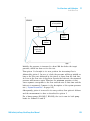
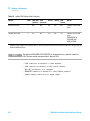
Use the Timetable to program changes in the pump parameters during the
analysis by entering a time in the Time field and appropriate values in the
following fields of the timetable. Changes in flow rate occur linearly from
either time zero or the time of the last defined change; other parameters
change instantaneously at the time defined in the timetable.
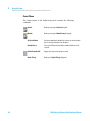
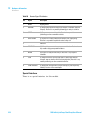
Show Advanced Timetable toggles the timetable display between standard
mode and advanced mode.
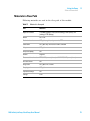
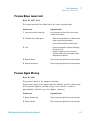
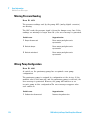
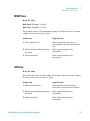
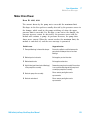
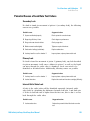
The following parameters can be changed:
• Change Contacts
• Change Flow
• Change Max. Pressure Limit
• Change Solvent Composition - You can only use solvents, which have been
enabled in the solvents section.
• Function centric view - This checkbox allows you displaying parameter
changes instead of a time table.
1260 Infinity IsoPump/QuatPump User Manual
73