1
9
BOOM! by ENVISION User Manual
TM
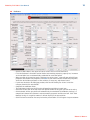
Loan Comparison Worksheet
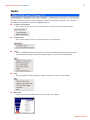
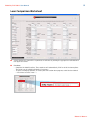
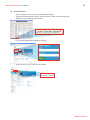
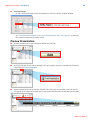
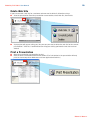
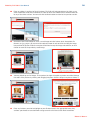
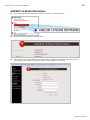
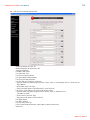
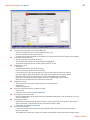
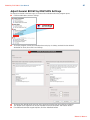
■Select whether this loan will be a purchase or refinance by clicking the appropriate radio button in
the upper left corner.
■
Purchase
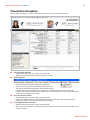
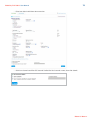
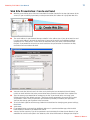
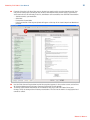
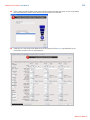
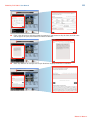
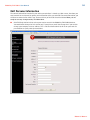
•Complete the Autofill section. These numbers will automatically fill in for all of the loan options.
The values can be edited individually if necessary.
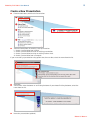
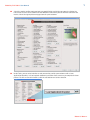
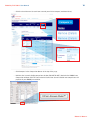
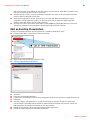
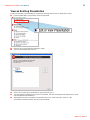
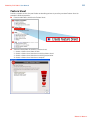
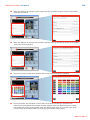
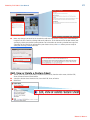
•To select a mortgage product, or create your own custom loan program, select the box labeled
< - Click here to select a loan - >.
Return to Menu >>