1
H32-BA PD 10 englisch
8.4.1998 15:24 Uhr
Seite 46
PD 10
Using the PD10
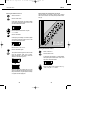
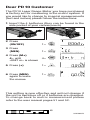
Press the “RCL” button to recall the previously
memorised total area value.
Then press the total button once again.
The display now shows the calculated volume
for the required floor covering material in “m”.
Data memory
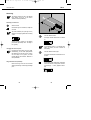
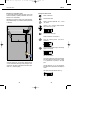
In the “Data memory” mode, you can store up to 100 readings
(storage locations 00 to 99). The “Data memory” mode is
obtained by pressing the appropriate button.
You can cancel this mode at any time without losing the
stored data by pressing the button again.
Saving data
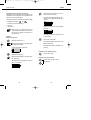
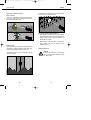
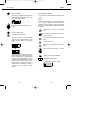
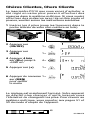
Open the data memory.
The number of the first vacant memory location
flashes in the display.
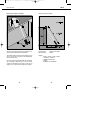
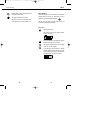
After a measurement or calculated result, save the
displayed value with the “Total” button.
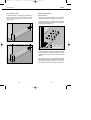
The assigned storage locations can be recalled
via the “M+” and “M-” buttons.
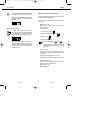
If you attempt to save the value in an already
occupied storage location, the number of that
location appears in the display accompanied by
the message “Full”. The value is not saved.
46
47