1
2D Data Processing Tutorial
P-56
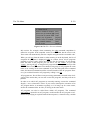
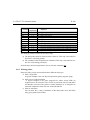
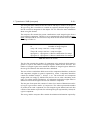
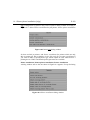
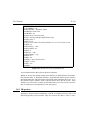
Discard all changes
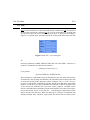
Click on the QUIT command button. All changes in the table are discarded (i.e. the
level file is not modified), and edlev is terminated.INDEX
3.13.2 Defining Projections
DONE
INDEX
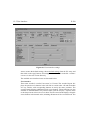
Often contour maps are plotted together with projections or 1D spectra. Enter edg
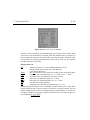
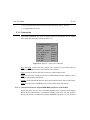
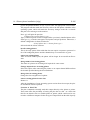
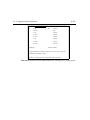
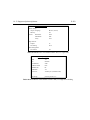
and select EDPROJ1 or EDPROJ2 to open the parameter box for the projection to
be drawn along the F1 or F2 axis. Click on PF1EXT (PF2EXT) to get the table of
supported projection types. Choose external if you want to plot an arbitrary spectrum along this axis. In this case use the parameters P1(2)DU, P1(2)USER, etc. to
specify the name and location of this spectrum.
3.13.3 Simulating a large size plotter
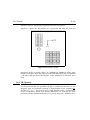
In XWIN-NMR, you can generate plots of arbitrary size and resolution even on a
small size printer or plotter. Use the parameters CX1 and CX2 to define the desired
plot size (in cm) in the F1 and F2 dimensions. Set the parameter CLIP to no (you
can type in cx1, cx2, clip as commands, or set the parameters from edg). The plot
command will generate as many pages as necessary. Marks will be drawn at the
edges so that the different sheets may easily be joined together. Even the previewer
command view can handle this mode. Click on the Next Page button in the previewer window to toggle through the pages.
3.13.4 Using the previewer
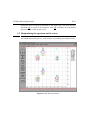
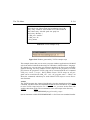
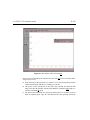
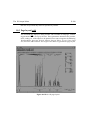
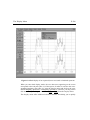
For 2D spectra, the view command may take some time (depending on the size of
the plot region) before the spectrum is drawn in the previewer window. During this
time, where contour calculation from the data file on disk takes place, the cursor
shape changes to a watch.
3.14 Projections and Cross Sections
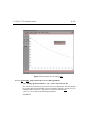
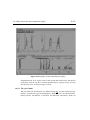
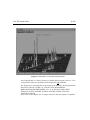
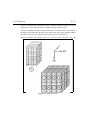
XWIN-NMR allows you to display rows and columns of a 2D spectrum and projections of the entire spectrum or parts of it (partial projections) onto the F1 or F2
axis. Furthermore, this data may be stored as 1D spectra and processed or plotted
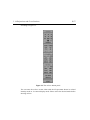
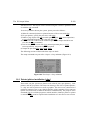
accordingly. All these routines are accessible from the utilities screen. If you click
on the utilities button of the main 2D display, the command buttons will change