1
1D Display
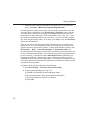
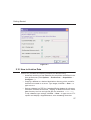
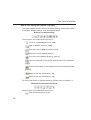
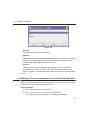
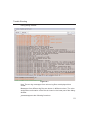
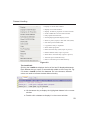
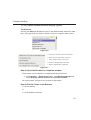
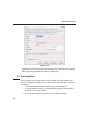
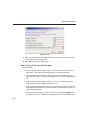
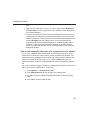
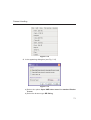
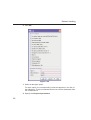
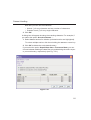
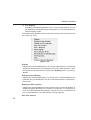
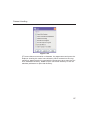
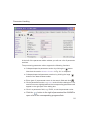
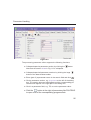
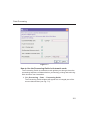
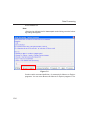
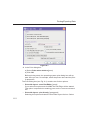
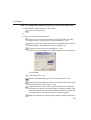
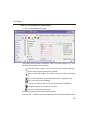
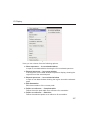
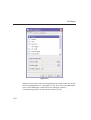
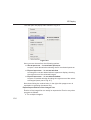
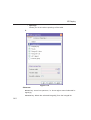
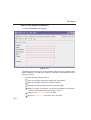
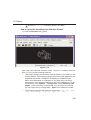
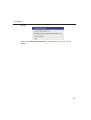
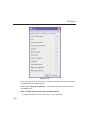
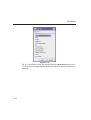
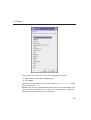
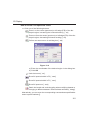
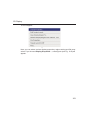
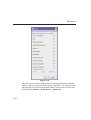
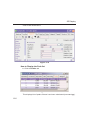
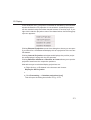
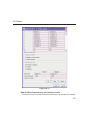
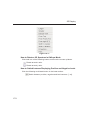
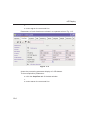
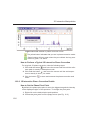
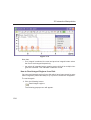
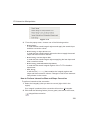
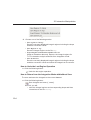
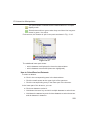
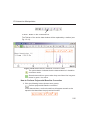
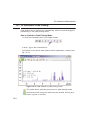
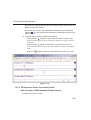
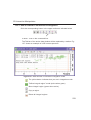
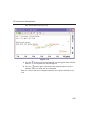
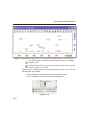
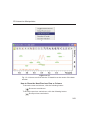
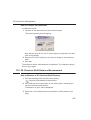
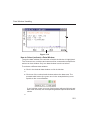
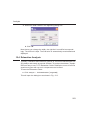
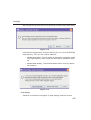
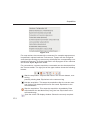
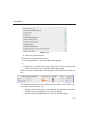
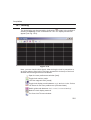
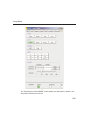
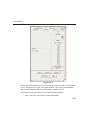
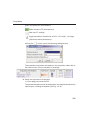
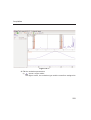
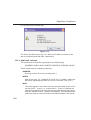
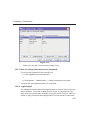
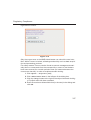
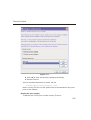
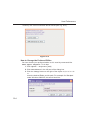
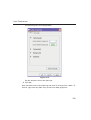
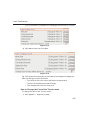
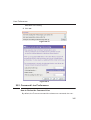
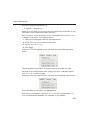
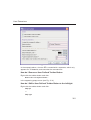
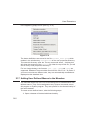
This will open the popup menu shown in Fig. 9.8.
INDEX
DONE
INDEX
Figure 9.8
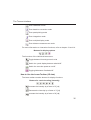
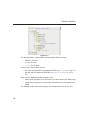
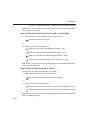
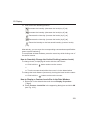
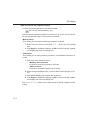
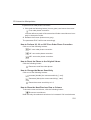
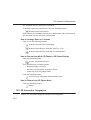
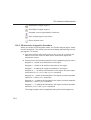
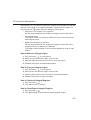
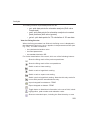
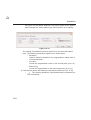
Here you can choose from the following options:
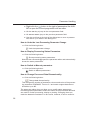
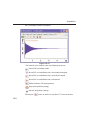
Show spectrum In correlated spectrum
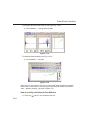
to open a new data window showing the full correlated spectrum
Expand spectrum In current window
to change the current data window to spectrum display, showing
the region around the selected integral
Expand spectrum In correlated window
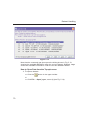
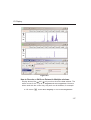
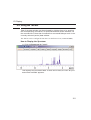
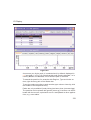
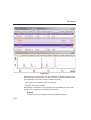
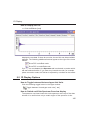
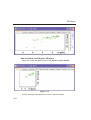
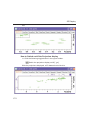
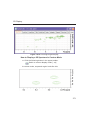
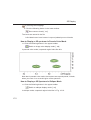
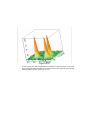
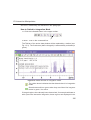
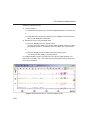
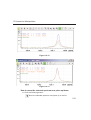
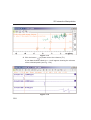
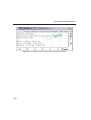
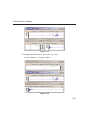
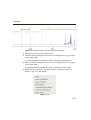
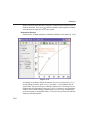
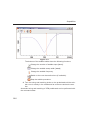
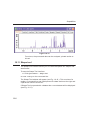
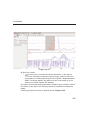
to open a new data window showing the region around the selected integral (lower part of Fig. 9.7)
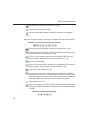
Note that clicking the marked entry in the right-click popup menu is
equivalent to pressing the Enter key.
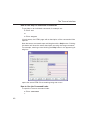
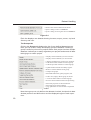
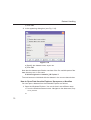
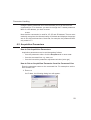
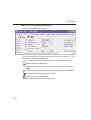
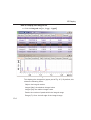
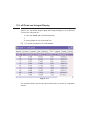
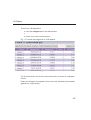
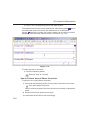
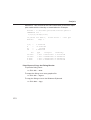
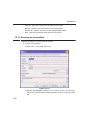
Export/Import Entries of the Integral List
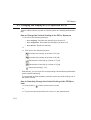
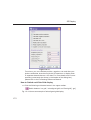
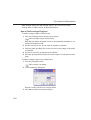
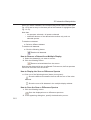
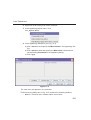
Entries of the integral list can easily be exported to Excel or any other
program as follows:
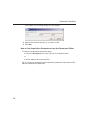
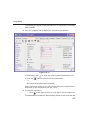
1. For multiple integrals:
136