1
3.2 Monitor
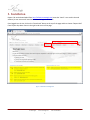
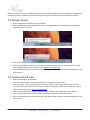
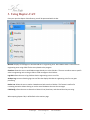
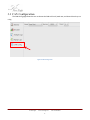
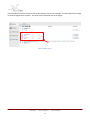
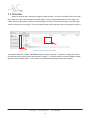
When the monitor tab is selected, the page will be blank. First click the add DBC button. You will be
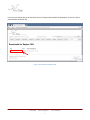
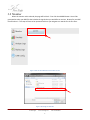
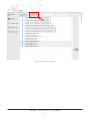
prompted to select your DBC file that includes the signals that you would like to monitor. Browse for your DBC
file and select it. This step will have to be repeated each time you navigate to a new tab for the first time.
Figure 4: How to add a DBC file for the monitor screen
Figure 5: Browsing for a DBC file
© New Eagle
www.neweagle.net
9
PH: 734.929.4557