1
250
Chapter 14: The Best of Tips & Tricks
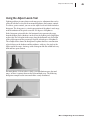
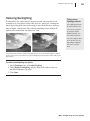
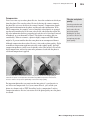
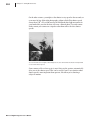
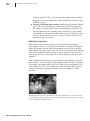
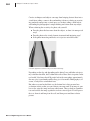
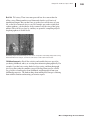
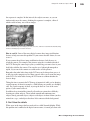
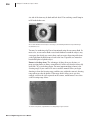
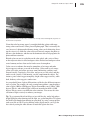
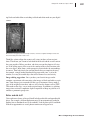
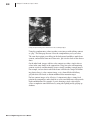
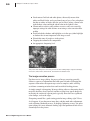
A high-key, or light, image will have the highest level of pixels on the right. A
low-key, or dark, image will concentrate pixels toward the left. An average-key
image will have the highest values toward the middle of the histogram. As you
shoot, check the histogram to ensure that you have a large area of detail and
good distribution across the range to make corrections later.
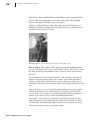
If your picture does not have a good tonal range, you’ll generally want to edit
the image to distribute the tones as evenly as appropriate for the type of image
you’re working with.
Final advice
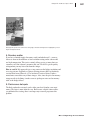
With this process, you should be well on your way to getting sparkling images
that you’ll be proud to share and print. Keep in mind that you can overdo
adjustments so that the final image looks unnatural. When making adjustments,
try to remember the original scene, and then match your image to the colors
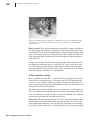
and tonal range you remember. The first pictures you correct will be the most
time consuming, but as you get the hang of it, you’ll find you spend less time at
the computer and more time shooting.
Microsoft Digital Image Pro User’s Manual