1
nuSpin User’s Manual
Wave Table Tab
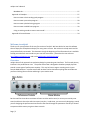
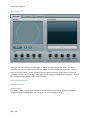
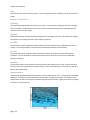
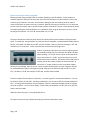
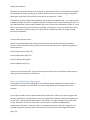
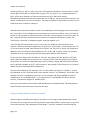
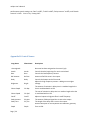
The Wave table tab is where you load images or sounds, and refine the results. When you create a
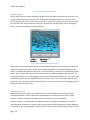
wavetable, you are presented with a screen with a blank image and no harmonic spectrum. The first
step is to click the “Open…” button and select some images or sounds to use as a basis for your new
wavetable. Once an image is loaded, nuSpin goes to work creating a wavetable and spectrum. This may
take a few seconds depending on the size of the image.
Description of Controls
Image Scan Section
Opening Images
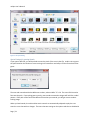
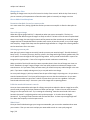
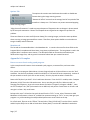
The “Open” button is used to select images (or sounds) to load into the image browser. This button
brings up an open file dialog where you can select one or more images to load.
Page | 20