1
Blackboard Academic Suite
User Manual
Add or Modify Contact
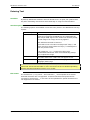
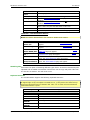
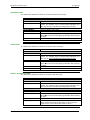
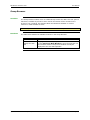
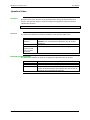
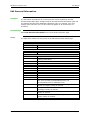
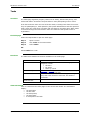
Users create contact profiles for their Address Book from the Add Contact page.
Profiles can be created for any contact, including contacts outside of the institution,
from the Add Contact page. The Modify Contact page contains the same fields as the
Add contact page and allows the user to edit a profile.
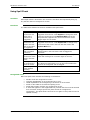
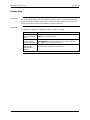
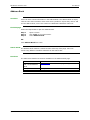
Find this page
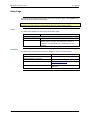
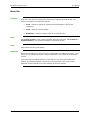
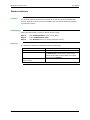
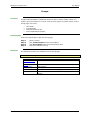
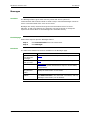
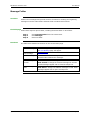
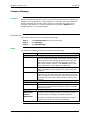
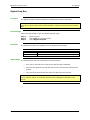
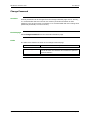
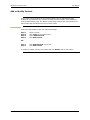
Follow the steps below to open the Add Contact page.
Step
Step
Step
Step
1
2
3
4
Open a Course.
Click Tools on the Course Menu.
Select Address Book.
Click Add Contact.
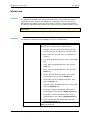
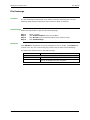
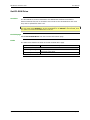
Step 1
Step 2
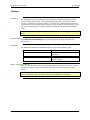
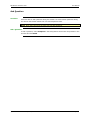
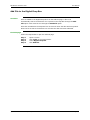
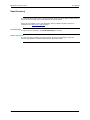
Click Address Book from a tab.
Click Add Contact.
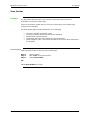
OR
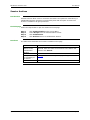
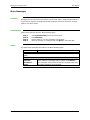
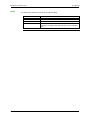
To modify a contact, find the user profile and click Modify next to their name.
© 2004 Blackboard Inc. Proprietary and Confidential
Page 97