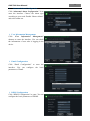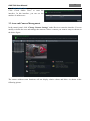
1
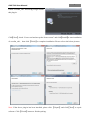
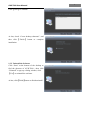
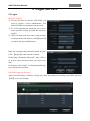
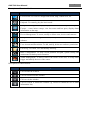
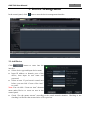
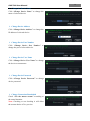
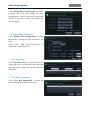
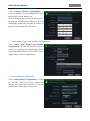
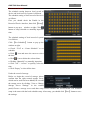
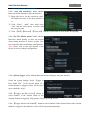
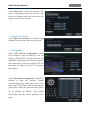
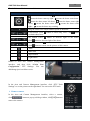
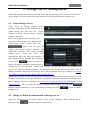
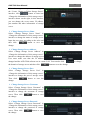
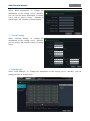
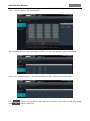
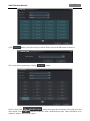
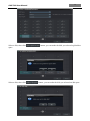
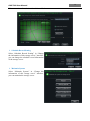
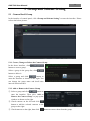
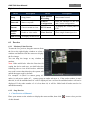
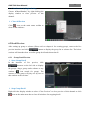
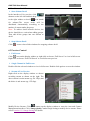
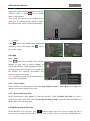
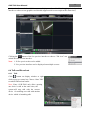
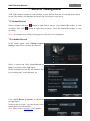
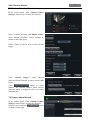
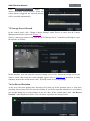
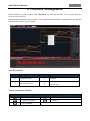
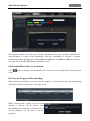
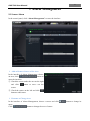
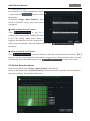
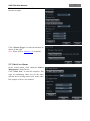
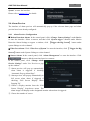
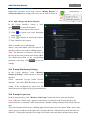
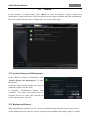
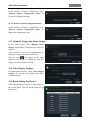
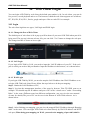
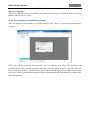
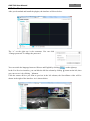
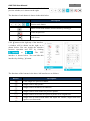
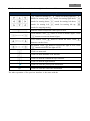
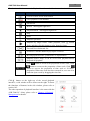
AVR-T900 User Manual 18 Motion Detection Alarm Settings Click “Area and Sensitivity” under Motion Detection Alarm Setting to enter the interface. ① Drag slide bar to set the sensitivity value. The higher the value is, the more sensitive it is. ② Click ―Erase‖/ ―Add‖, then hold press ―Ctrl‖ and left click mouse to delete /add the area you want. ③ Click 【All】/【Reverse】/【Clear All】 button to select area or clear all the area quickly. Click “Set The Motion Alarm” under Motion Detection Alarm Setting to enter the motion alarm setting interface as shown at right. User can set motion alarm and linkage configuration. Note: Please refer to the user manual of the device for device linkage configuration. Click “System Trigger” under Motion Detection Alarm Setting to enter the interface. Under the system linkage, check ―Trigger to Play Audio File‖. If the motion alarm of a certain channel is triggered, there will be given out a sound like ―beep‖. Click 【Trigger the Big Screen】 button to select channel. If the motion alarm of the selected channel is triggered, a big picture will pop up on the screen. Click 【Trigger the Record Channel】 button to select channel. If the motion alarm of the selected channel is triggered, the channel’s record will be opened automatically.