1
CHAPTER 8. PERLMATCH: USING PERL AS A PATTERN MATCHING AND STRING SUBSTITUTION SERVE
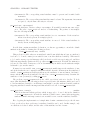
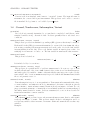
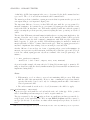
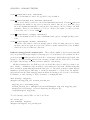
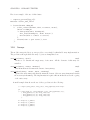
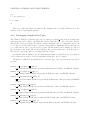
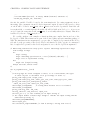
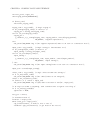
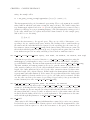
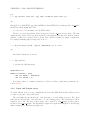
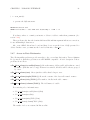
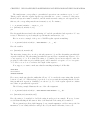
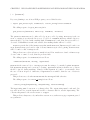
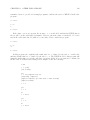
match will be returned.
8.2
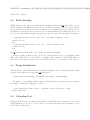
Bulk Matching
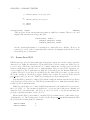
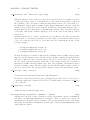
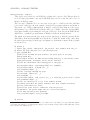
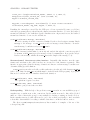
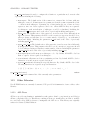
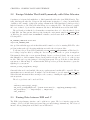
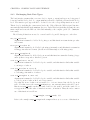
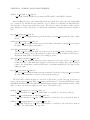
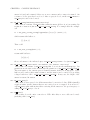
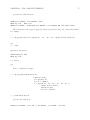
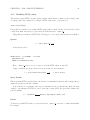
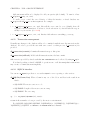
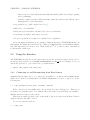
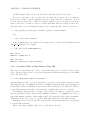
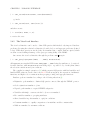
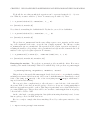
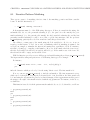
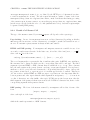
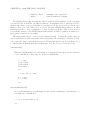
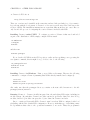
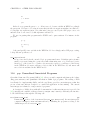
XSB-perl interface also supports bulk matching through the predicate bulk match/3. Here, you get
all the substrings that match the patters at once, in a list, and then you can process the matches
as you wish. However, this does not give you full access to submatches. More precisely, if you use
parenthesized expressions, then you get the list of non-null values in the variables $1, $2, etc. If
you do not use parenthesized regular expressions, you get the result of the full match. For instance,
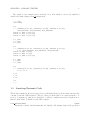
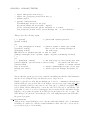
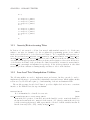
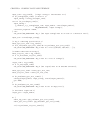
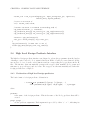
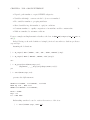
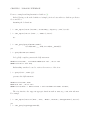
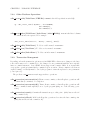
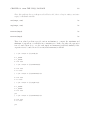
:- bulk_match(’First 11.22 ; next: 3.4’, ’m/(\d+)\.?(\d*)/g’, Lst).
Lst=[11,22,3,4]
yes
:- bulk_match(’First 11.22 ; next: 3.4’, ’m/\d+\.?\d*/g’, Lst).
Lst=[11.22,3.4]
yes
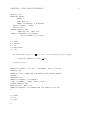
bulk match/3 never fails. If there is no match, it returns an empty list.
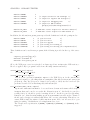
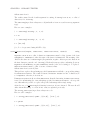
Please note that you must specify ‘g’ at the end of the pattern in order to get something useful.
This ia Perl thing! If you do not, instead of returning a list of matches, Perl will think that you
just want to test if there is a match or not, and it will return [1] or [], depending on the outcome.
8.3
String Substitution
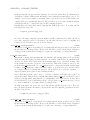
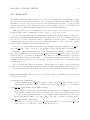
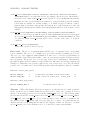
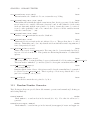
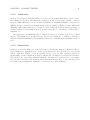
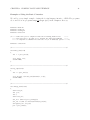
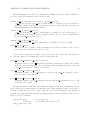
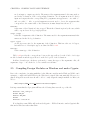
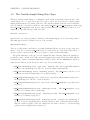
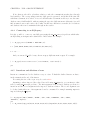
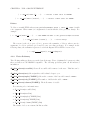
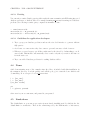
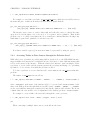
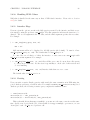
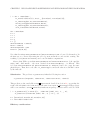
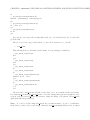
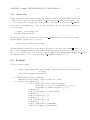
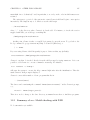
The last feature of the XSB-Perl interface is string substitution based on pattern matching. This
is achieved through the predicate string substitute/3:
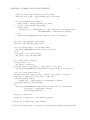
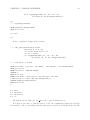
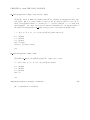
:- perl_substitute(+String, +PerlSubstitutionExpr, -ResultString).
We assume you are familiar with the syntax of Perl substitution expressions. Here we just give
an example of what kind of things are possible:
:- perl_substitute(’this is fun’, ’s/(this) (is)(.*)/\2 \1\3?/’, Str).
Str=is this fun?
8.4
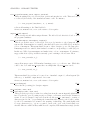
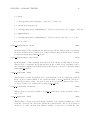
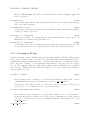
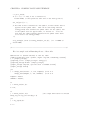
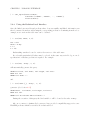
Unloading Perl
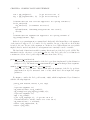
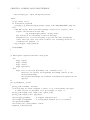
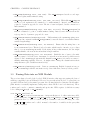
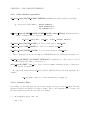
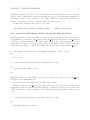
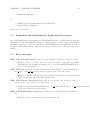
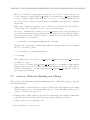
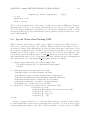
Playing with Perl is nice, but this also means that both XSB and the Perl interpreter are loaded
in the main memory. If you do not need Perl for some time and memory is at premium, you can
unload the Perl interpreter: