1
DOC-UM-20042-3.0
6.2
Demo Software Help
Web Server
Web Sever
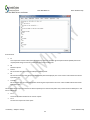
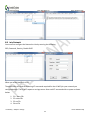
To use the Web Server
1. Configure the Web Server
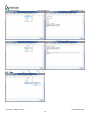
2. Start the Web Server
3. Start Browser
4. Enter the IP Address of the eS-WiFi EVB board in the address bar.
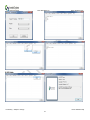
5. Stop Web Server
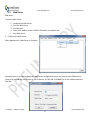
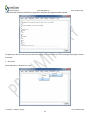
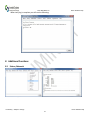
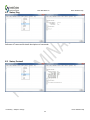
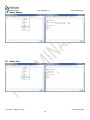
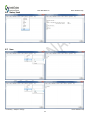
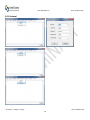
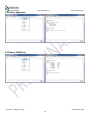
1. Configure the Web Server
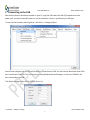
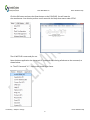
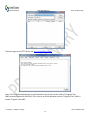
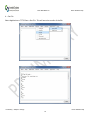
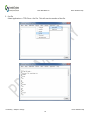
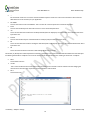
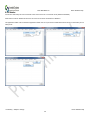
Select Applications > Web Server > Configure.
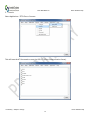
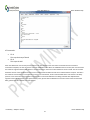
Generally there is no need to change the Web Server configuration unless you want to use a different Port
(make sure you add the port number to the IP address, ex. 192.168.1.154:8000) or to use a different default
html file.
Preliminary - Subject to change
Demo Software Help
21