1
QUICK SETUP
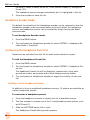
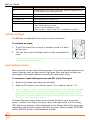
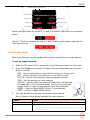
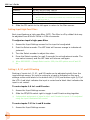
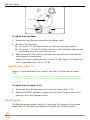
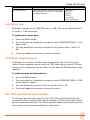
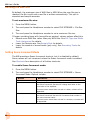
3. Select the memory card with the file you want to delete.
4. Select the SETTINGS folder on that card.
5. Select the Quick Setup XML file you want to delete.
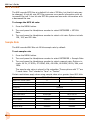
6. Slide the RTN/FAV switch to access OPTION.
7. Select Delete.
Loading Previously Saved Settings
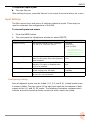
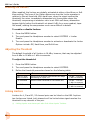
For fast reconfiguring of the 688, previously stored Quick Setup files may be
easily loaded from internal locations or memory cards inserted into the mixer.
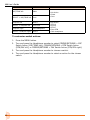
To load a Quick Setup file:
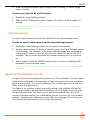
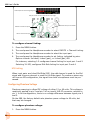
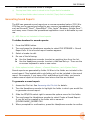
1. Press the MENU button.
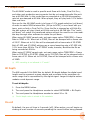
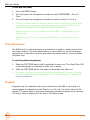
2. Turn and press the Headphone encoder to select QUICK SETUP > Load
Settings.
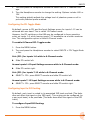
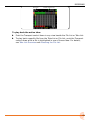
3. Select the file you want to load from the provided list.
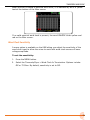
LL The first option in the list reloads the Factory Default settings. Selecting this option
restores all settings on the mixer to original factory defaults.
109