1
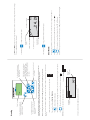
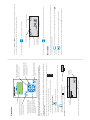
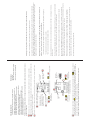
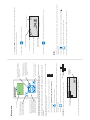
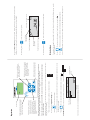
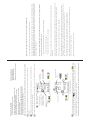
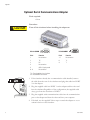
Appendix Optional Serial Communications Adapter Tools required: • None CAUTION Procedure: Turn off the circulator before installing the adapter. Adapter 1 2 3 4 5 5 4 3 2 1 RS-232 COMM 9 8 7 6 RS-485 COMM 6 7 8 9 Pin # Function Pin # Function 1 No connection 1-7 No connection 2 TX 8 T+ 3 RX 9 T- 4 No connection 5 GND = Signal ground 6 - 9 No connection TX = Transmitted data from circulator RX = Received data to circulator 1. If the circulator already has a communication cable installed, remove the cable from the rear of the circulator and plug that cable into PORT 2 on the adapter. 2. Plug the supplied cable into PORT 1 on the adapter and the other end into the circulator. Regardless of the configuration, the supplied cable always goes from the circulator to PORT 1. 3. Plug the supplied serial communications cable into the communication port on the adapter and then the other end into your computer. 4. If desired, use the supplied Velcro® tape to attach the adapter to a convenient location on the circulator. 6 Cole Parmer