1
<Toc> <Ind>
<Chapter 8 Printing Data >
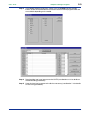
Step 2
8-2
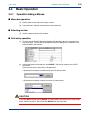
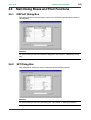
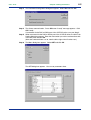
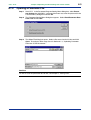
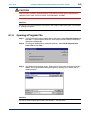
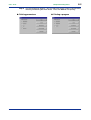
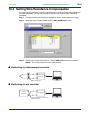
The Print dialog box appears. You can select the ranges of items to be printed by
selecting and clearing the check boxes. Then, click Print to start printing.
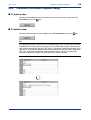
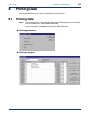
● Printing parameters
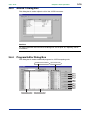
● Printing a program
IM 77J01J77-01E
5th Edition : Feb. 28, 2011-00