1
3.2. Customized Items
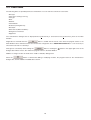
You can enter any of the items and related contents you like here. For example, you can enter “Fishes I saw “ in the Item and
the name of the fishes to the contents.
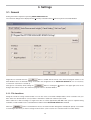
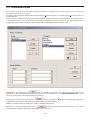
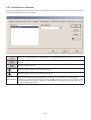
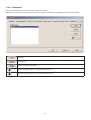
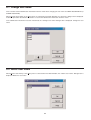
The <User customized items> dialogue box is displayed when [Customized Items] is selected from the [Preferences] menu of
the Main Window.
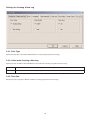
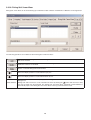
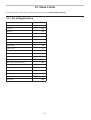
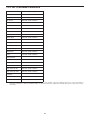
Contents can be entered while classifying for each item. When an item is selected from the list of items in the upper left part
of the dialogue box, the contents entered for each item are displayed in the list of contents in the upper right part of the
dialogue box. Enter contents that do not require classification for individual items as “Common” items.
Registration is finalized when the
button is clicked with the mouse, after which the program returns to the
Main Window. Since finalized registration contents are stored in the configuration file in AQUALAND GRAPH Nx, it is not
necessary to enter them each time the program is started up.
Changes are canceled by either clicking the
button or clicking the
button in the upper right corner of the
dialogue box with the mouse, after which the program returns to the Main Window.
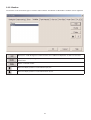
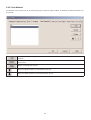
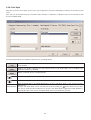
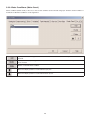
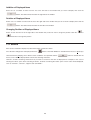
Addition or changes to data are made in the <Add> or <Modify> dialogue box.
When data is entered followed by clicking the
button with the mouse, the program returns to the <User
customized items> dialogue box, and the edited data is shown in the list.
16