1
2
Hardware Setup
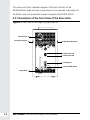
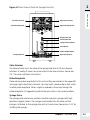
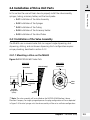
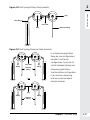
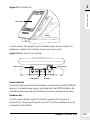
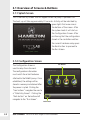
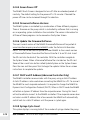
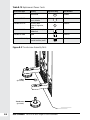
Figure 2-13 Controller Unit
Front Screen
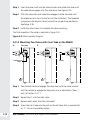
As shown above, the controller can tilt at different angles for user comfort and
preference, in addition this controller may also be hung on a wall.
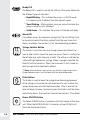
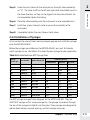
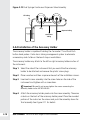
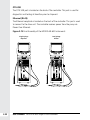
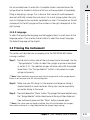
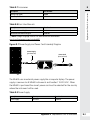
Figure 2-14 Rear View of the Controller
Power Cord Jack
Ethernet RJ-45
Hardware Key
OTG USB
Power Cord Jack
This port will only be used when the controller is not attached to the MICROLAB 600
drive unit. A controller power supply is not shipped with the MICROLAB 600 as the
controller receives power through the Ethernet port when connected to the pump.
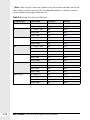
Hardware Key
This slot accepts Hamilton specific SD cards for upgrading from the Basic to
Advanced unit. Other manufacturer SD cards will fit into the controller but are not
compatible with the ML600.
Chapter 2 Hardware Setup
2-21