1
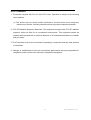
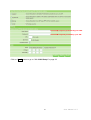
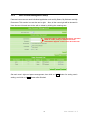
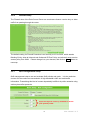
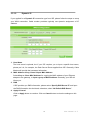
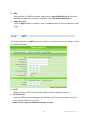
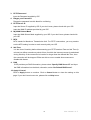
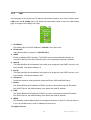
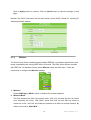
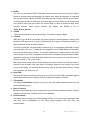
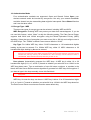
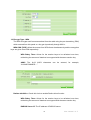
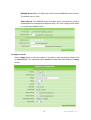
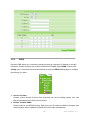
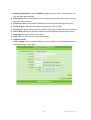
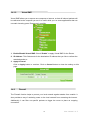
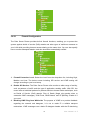
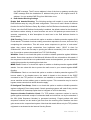
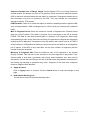
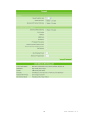
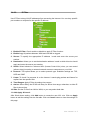
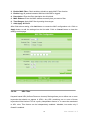
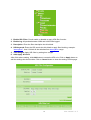
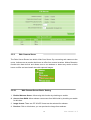
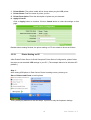
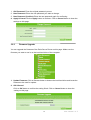
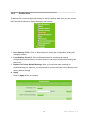
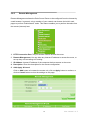
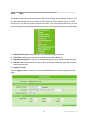
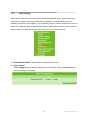
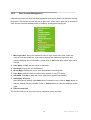
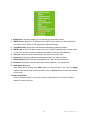
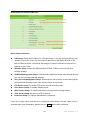
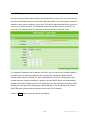
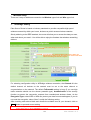
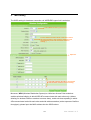
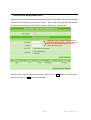
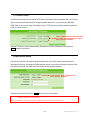
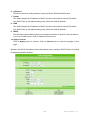
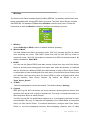
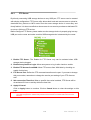
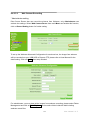
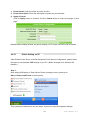
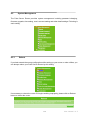
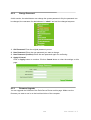
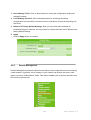
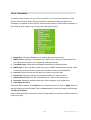
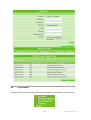
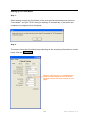
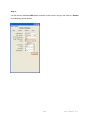
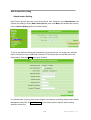
1. Enable URL Filter: Check enable or disable to apply URL filter function.
2. Enable log: All packets between WAN and LAN will be logged.
3. Description: Enter the filter description into this blank.
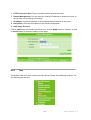
4. URL keyword: Enter the URL words into this blank to apply filter blocking, example:
“www.yahoo”, then it’ll block all the websites from www.yahoo range.
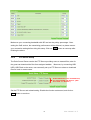
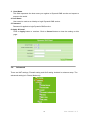
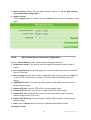
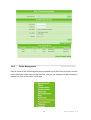
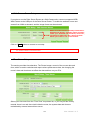
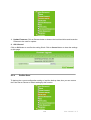
5. Time Ranges: Apply URL filter by setting time ranges.
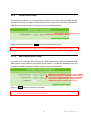
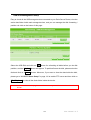
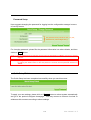
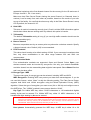
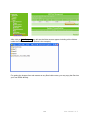
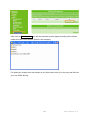
6. Add, Apply & Cancel
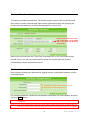
After finish above setting, click Add button to create the URL rule. Click on Apply button to
add the settings into the list table. Click on Cancel button to clear the settings on this page.
63
User Manual v1.3