1
CEL-63x Environmental Noise Meter
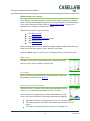
Memory results
The CEL-63x instrument has 1 GB of memory that is available to
store the results of the instrument‟s measurements.
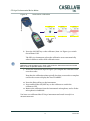
The Results memory stores all measurements made when the
CEL-63x instrument operates in the measurement run mode.
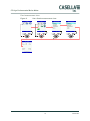
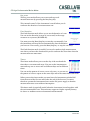
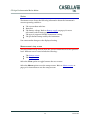
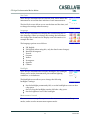
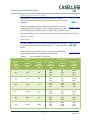
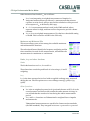
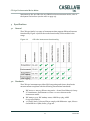
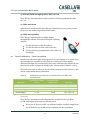
The first screen shows the dates of the runs stored, and how
many runs are stored for each date. You can select any date in
the list to view a list of the runs stored for the selected date.
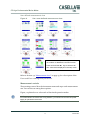
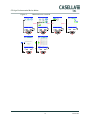
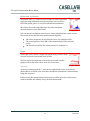
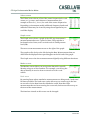
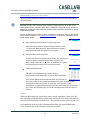
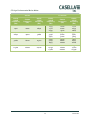
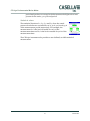
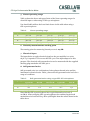
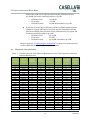
The daily results screen shows a list of results, identified by their
Run ID numbers, stored from a single day of measurements.
Each entry in the list shows the time when the run started, and
the run‟s duration.
The screen always lists the runs with the newest at the top.
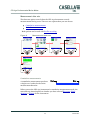
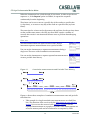
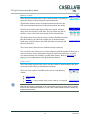
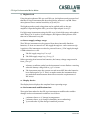
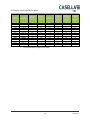
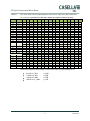
You can select one of the runs to see the summary and the details for that run. A
series of screens shows information about the run‟s measurements. A graph
icon shows that the run includes a profile time history. Refer to Data sets on
page 36 for an explanation of the periodic time history.
View results
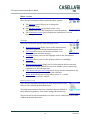
The View results screens allow you to see the results of measurement runs that
are stored in the CEL-63x instrument‟s memory.
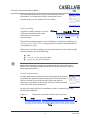
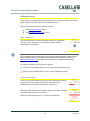
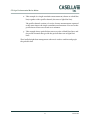
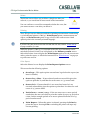
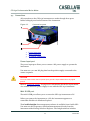
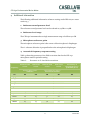
There are three options available when you view the Memory
results:
View results
Delete
Printing – Only available when printer -CMC73 is connected.
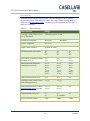
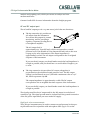
IMPORTANT
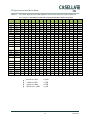
Note that the functions displayed on the View results screens are those that you define
in the current measurement setup. You can use the View results screens to review any
measurement function.
40
Casella CEL