1
CEL-63x Environmental Noise Meter
Menu screens
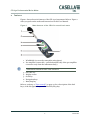
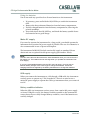
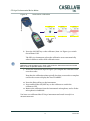
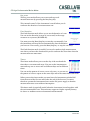
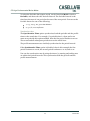
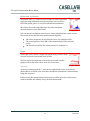
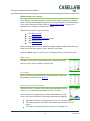
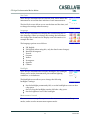
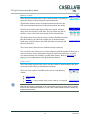
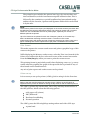
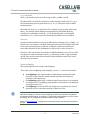
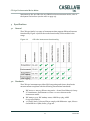
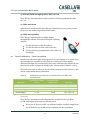
The CEL-63x instrument‟s Menu mode has three options:
The Settings option allows you to change the
instrument‟s setup.
The Memory results option allows you to view
information stored in the instrument‟s internal memory.
The Instrument status option displays the instrument‟s current
operating status.
Settings
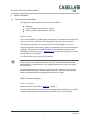
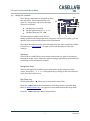
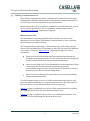
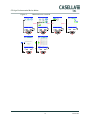
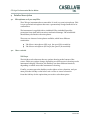
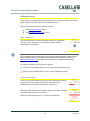
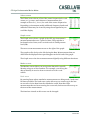
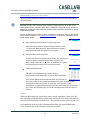
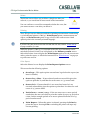
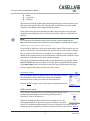
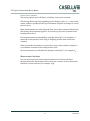
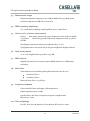
There are seven main options in the Settings screen:
Measurement View allows you to set the measurement
view or to create user-defined measurement views.
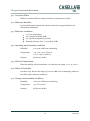
Set Clock allows you to set the date and time, or to
change the date and time settings.
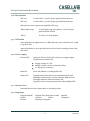
Language allows you to set the language used for the instrument‟s
screens.
Backlight allows you to set the duration and level of backlight
illumination.
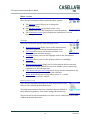
Measurement Control allows you to set the method used to start and
stop measurements, and allows you to set whether you are measuring
Cumulative or Periodic data sets.
Calibration reference level setup allows you to set the instrument to use
the correct sound pressure level for the calibrator.
Meter Mode allows you to select either octave or ⅓-octave
measurements on B & C models.
Measurement View
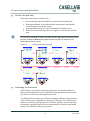
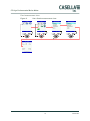
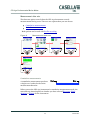
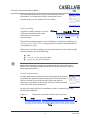
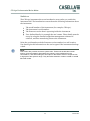
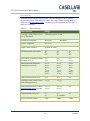
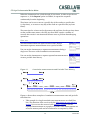
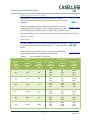
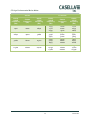
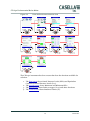
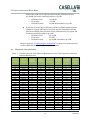
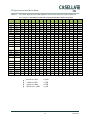
The CEL-63x instrument has up to six fixed measurement views,
and two user-defined measurement views.
The fixed measurement views have functions that are defined to
meet national regulations. You cannot change these functions.
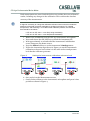
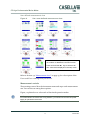
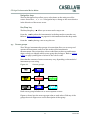
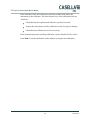
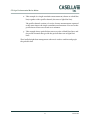
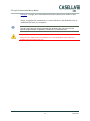
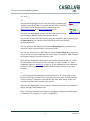
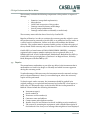
This screen shows the measurement view that is active, and allows you to select
a different measurement view.
32
Casella CEL