1
4.4 Solving Equations • 123
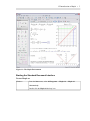
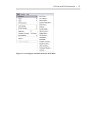
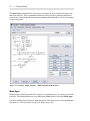
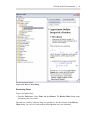
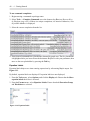
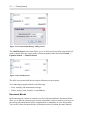
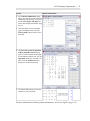
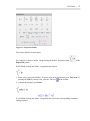
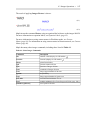
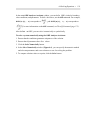
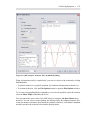
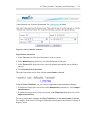
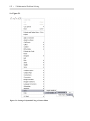
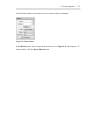
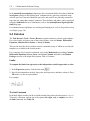
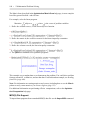
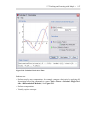
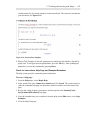
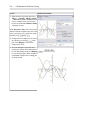
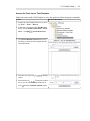
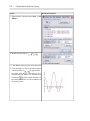
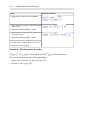
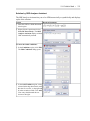
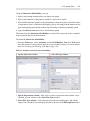
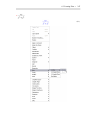
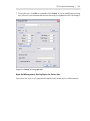
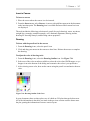
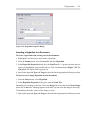
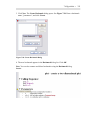
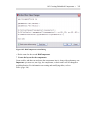
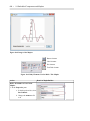
Figure 4.5: ODE Analyzer Assistant: Solve Symbolically Dialog
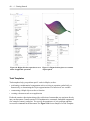
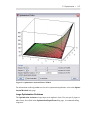
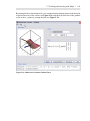
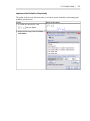
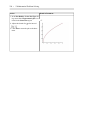
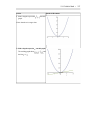
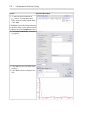
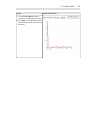
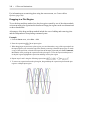
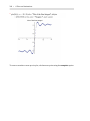
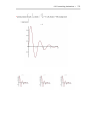
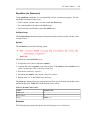
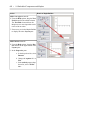
When solving numerically or symbolically, you can view a plot of the solution by clicking
the Plot button.
• To plot the solution to a symbolic problem, all conditions and parameters must be set.
• To customize the plot, click the Plot Options button to open the Plot Options window.
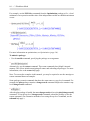
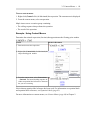
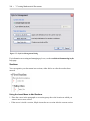
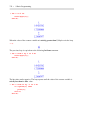
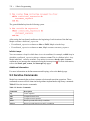
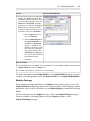
To view the corresponding Maple commands as you solve the problem or plot the solution,
select the Show Maple commands check box.
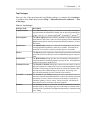
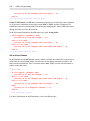
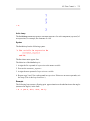
You can control the return value of the ODE Analyzer using the On Quit, Return dropdown list. You can select to return nothing, the displayed plot, the computed numeric procedure (for numeric solutions), the solution (for symbolic solutions), or the Maple commands
needed to produce the solution values and the displayed plot.