1
Managing Log Files
Search Log Files
Introduction
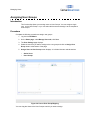
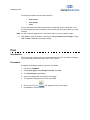
This functionality allows you to search the log files on the basis of Carts, Event Types,
User name, Date From, Date to, Time from and Time To.
Procedure
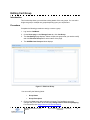
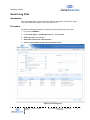
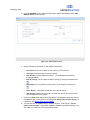
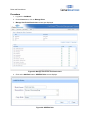
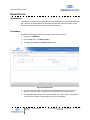
Complete the following procedure to search the log files based on the user name.
1. Log into the CartWatch.
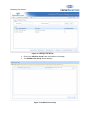
2. On the Home page, under Manage Carts tab, click Log Files.
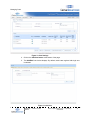
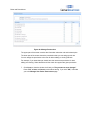
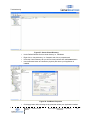
3. View Log Files screen displays.
4. Select filter criteria from search section.
5. Click on search button to get results in Result section.
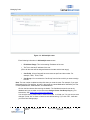
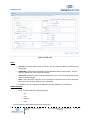
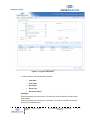
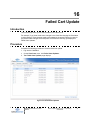
Figure 21: View Log Files
CartWatch
Manual
TM
Software Product
© 2011 Capsa Solutions LLC | Proprietary +
Confidential
46