1
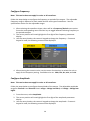
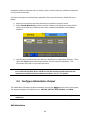
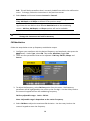
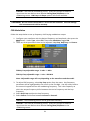
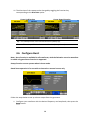
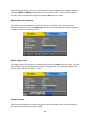
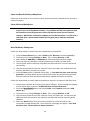
4. Use the rotary knob or the numeric keypad to change the pulse delay.
After entering the numeric value, use the menu function keys to select s, ms, us, or
ns.
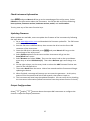
Rising or Falling Edge
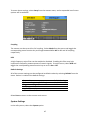
Follow the steps below to configure the rising or falling edge times.
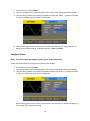
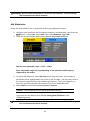
1. Set the instrument for pulse output.
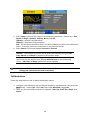
2. From the parameter menu, select Width for pulse width adjustment or Duty for duty
cycle adjustment.
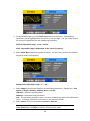
3. From the menu, select Rise for rising edge adjustment or Fall for falling edge
adjustment.
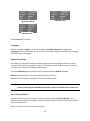
4. The cursor position will now highlight the first digit of the delay parameter display.
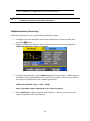
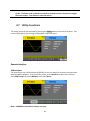
5. Use the rotary knob or the numeric keypad to change the rising or falling edge.
After entering the numeric value, use the menu function keys to select s, ms, us, or
ns.
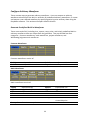
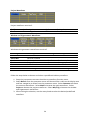
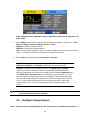
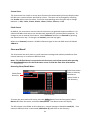
Configure Noise Waveform
Note: This section applies to noise waveforms only.
20