1
Duplicate Channel Parameters (CHCopy)
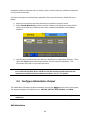
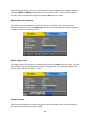
The unit has an option that can allow quick copying between channel parameters. First,
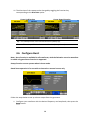
press CHCopy option from the channel menu, and the below menu will display.
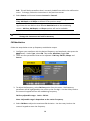
Select CH1 -> CH2 to copy channel 1’s parameter settings into channel 2. Likewise, select
CH2 -> CH1 to copy channel 2’s parameter settings into channel 1. After selection, press
Done, and now both channels are identical with the same parameter settings.
To cancel, select Cancel.
3.8 Help System
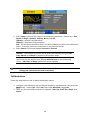
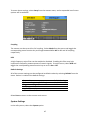
A built-in help system is available to provide quick references on setting up common output
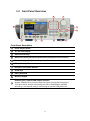
configurations with the generator. To access the system, press the Help button from the
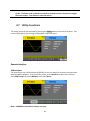
front panel. The screen below will be displayed:
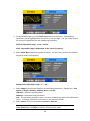
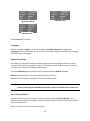
You can use the up and down menu options or the rotary knob to select any of the items
listed in the help system as shown above. Once selected (the cursor highlights the selection
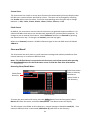
in blue), push the corresponding menu function key for the Select option and the screen will
display a description of the selected help item.
59