1
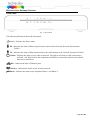
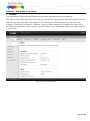
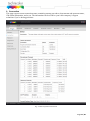
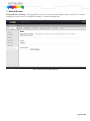
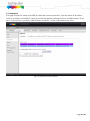
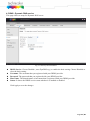
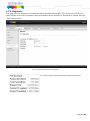
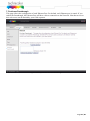
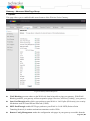
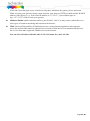
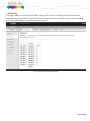
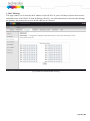
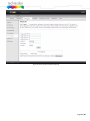
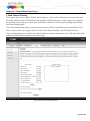
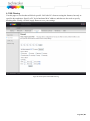
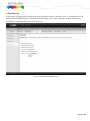
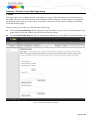
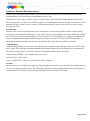
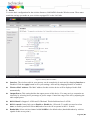
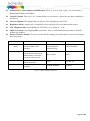
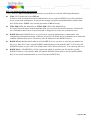
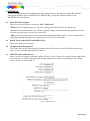
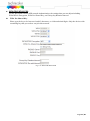
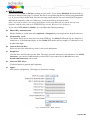
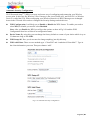
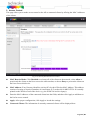
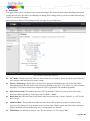
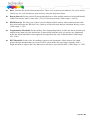
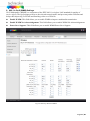
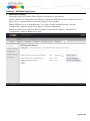
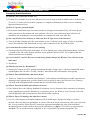
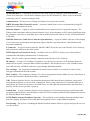
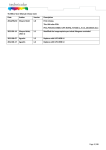
Gateway – Parental Control Web Page Group 1. Basic This page allows you to enable, disable, and configure a variety of firewall features associated with web browsing, which uses the HTTP protocol and transports HTML web pages. On these pages, you designate the gateway packet types you want to have forwarded or blocked. You can activate settings by checking them and clicking Apply. Here are some of your choices on the Parental Control page: Activate Keyword Blocking and specify some keywords in the Keyword List to cause blocking of web pages on the WAN side with the specified keyword in the content. Activate Domain Blocking and specify some Domain Names (e.g. www.ABC.com) in the Domain List. Fig.2-31 Gateway\Parental Control\Basic Page 52 / 87