1
Installing a
Series 500 RBC
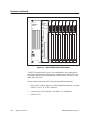
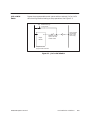
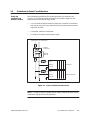
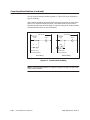
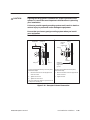
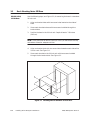
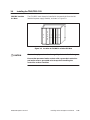
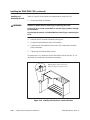
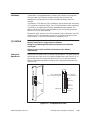
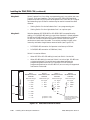
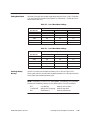
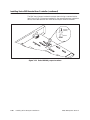
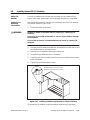
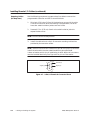
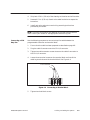
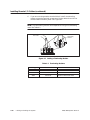
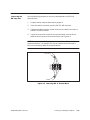
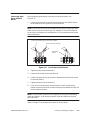
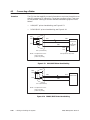
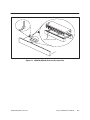
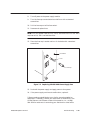
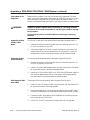
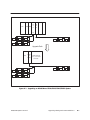
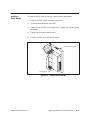
To install the RBC, refer to Figure D-5 and follow the steps below.
1.
Position the RBC so that the bezel is facing you.
2.
Grasp the top and bottom of the RBC.
3.
Carefully push the RBC into the slot until it mates with the back plane
connectors.
4.
Tighten top and bottom bezel screws.
5.
Connect the RBC to the RS-485 trunkline.
Remote Base Controller
Power Supply
Figure D-5 Installed Series 500 RBC
TI545/TI555 System Manual
Upgrading Existing Series 500 Installations
D-11