1
Follow Me Forwarding
This function is used to ”pull” all calls from one station to another. The Follow Me can only be set
from another station, and causes all calls to forward from this station to the other station. In order
to cancel this forwarding, it must be cancelled from the phone where the calls are forwarded from.
1.
2.
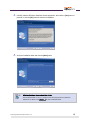
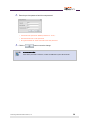
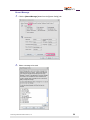
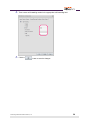
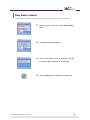
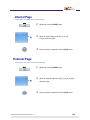
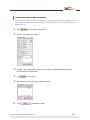
While idle dial the function code for call forwarding
([6][0]) and click the [Call] button.
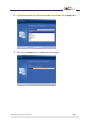
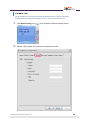
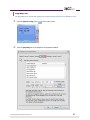
Enter the phone number of the station whose calls
should forward here and click the [FOLLOW ME] button.
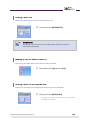
Setting Do Not Disturb
This function is used to set the DND feature, preventing calls from being delivered to this station.
AOM
1.
2.
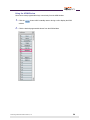
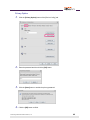
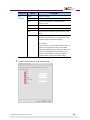
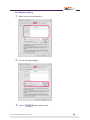
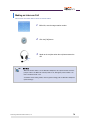
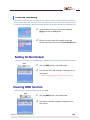
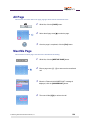
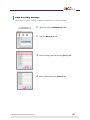
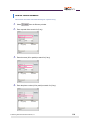
Click the [DND] button in the AOM window.
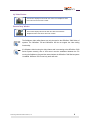
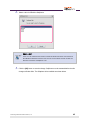
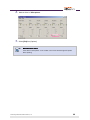
The ‘DO NOT DISTURB’ message is displayed on the
main screen.
•
If DND is enabled, the status display LED will blink red.
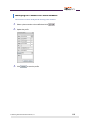
Clearing DND function
This function is used to the steps below to clear DND.
AOM
1.
2.
© Samsung Telecommunications America, L.P.
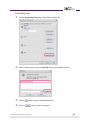
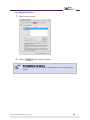
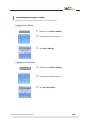
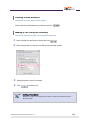
Click the [DND] button in the AOM window.
The ‘DND is cancelled’ message is displayed on the
main screen.
102