1
Forward Tab
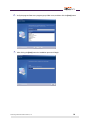
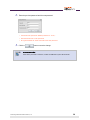
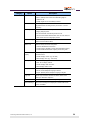
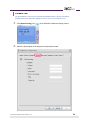
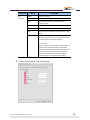
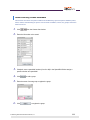
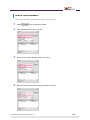
The [Forward] tab is used to set a forwarding destination where incoming calls will be
transferred when the OfficeServ Softphone is not in use or cannot answer a call.
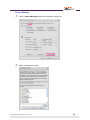
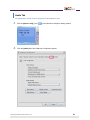
1.
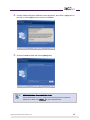
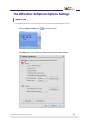
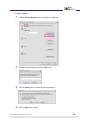
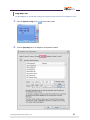
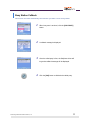
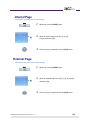
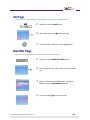
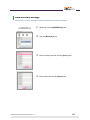
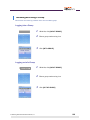
Click [Option Config.] icon (
2.
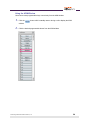
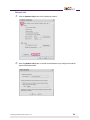
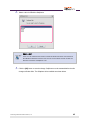
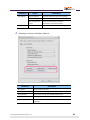
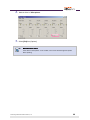
Select the [Forward] tab of the Softphone Configuration window.
© Samsung Telecommunications America, L.P.
) of the OfficeServ Softphone starting window.
54