1
Area of use
Before you start
Make sure the software is installed and the equipment is See Installation and
Connection.
connected.
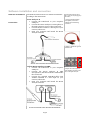
Before the measuring procedure starts, make sure the
microphone is placed in ear height when adjusting the
output level.
Starting Room
Analyzer
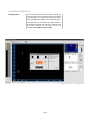
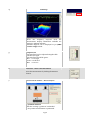
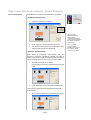
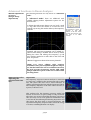
Start ‘Room Analyzer’ or ‘Room Analyzer Pro’.
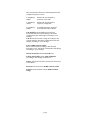
For advanced users, there is a choice called ‘Advanced
Mode’ which has more settings and features.
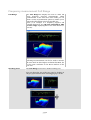
Setting output level
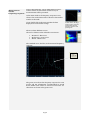
In order to achieve a reliable measuring procedure it is
important that the correct output level is set.
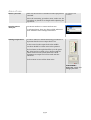
Put the control on the output level in the middle.
Now there should be a white noise in the speakers.
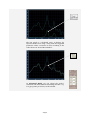
The level meter to the right should be up to the green
“G”. If the level is too high or low, adjust it with the
volume control on the system/subwoofer. Small
adjustments in output level can be made with the
control bar.
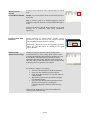
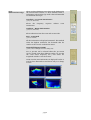
Click on ‘STOP’ to turn off the white noise.
REMEMBER!!
HIGH SPL level can
damage your ears.
19/42