1
PCB Design
Component Class
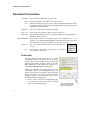
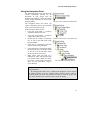
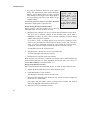
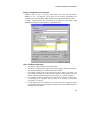
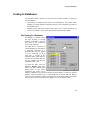
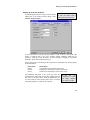
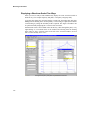
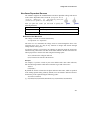
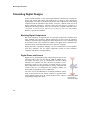
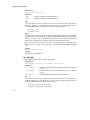
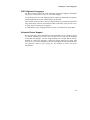
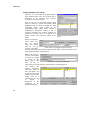
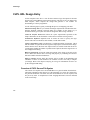
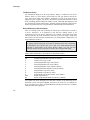
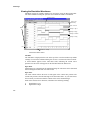
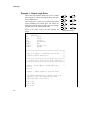
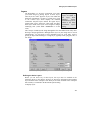
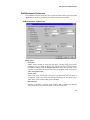
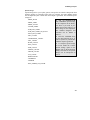
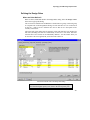
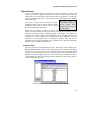
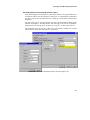
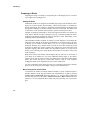
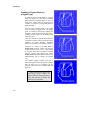
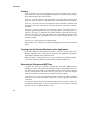
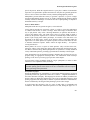
Component classes can be easily created with the assistance of the Component Class
Generator, which allows you to identify a set of components based on common
component attributes.
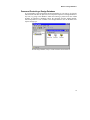
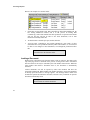
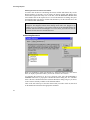
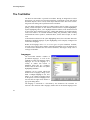
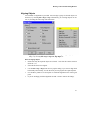
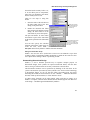
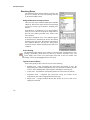
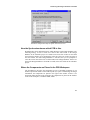
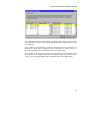
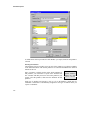
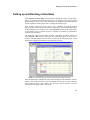
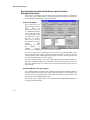
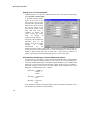
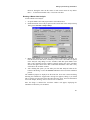
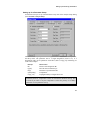
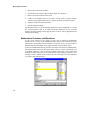
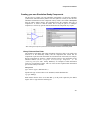
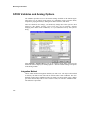
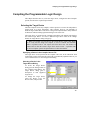
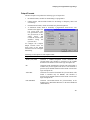
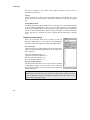
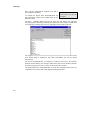
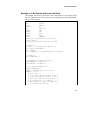
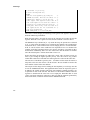
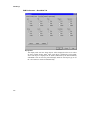
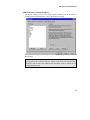
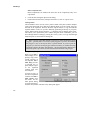
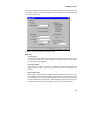
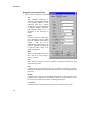
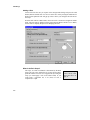
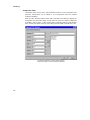
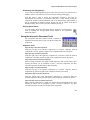
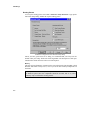
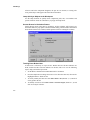
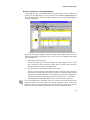
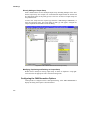
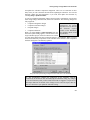
Press the Class Generator button in the Edit Component Class dialog to display the
Component Class Generator dialog. Use the filters on the left to identify components
by attribute, then click the > button to add all the components that have that attribute
value. Set the Class Name at the top of the dialog, then click OK to add this new Class.
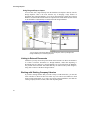
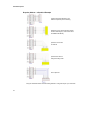
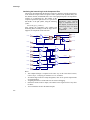
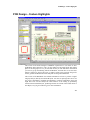
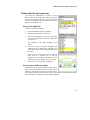
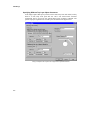
Use the class generator to quickly create a class of
components based on common component attributes
538