1
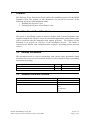
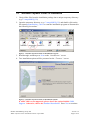
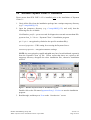
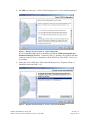
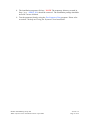
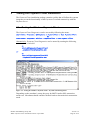
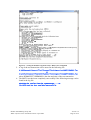
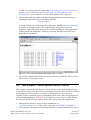
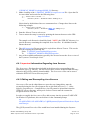
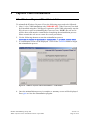
Figure 15 - Testing the Windows Payment Client - MOTO Test Completed
5. A log of the test transaction will be stored in the following file:
C:\QSIPayments\PaymentClient\PaymentClientDiagnosticsDDMMYYYYHHMMSS.log
or
C:\Dialect\PaymentClient\bin\PaymentClientDiagnosticsDDMMYYYYHHMMSS.log
where DDMMYYYYHHMMSS is the date and time of the test transaction.
6. The MOTO test has been completely successfully if the following message can be
found in the log file:
Checking the results from the PaymentServer ... OK
The MOTO test has been completed successfully.
© 2004 ANZ Banking Group Ltd
MIGS Payment Client Installation Guide • April 2004
Version 1.2
Page 23 of 36