1
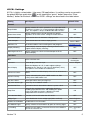
Setting
Description
Default Value
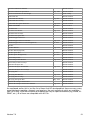
Volume Control
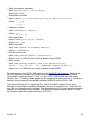
Volume of printer sounds is controlled by the volume slider.
OFF
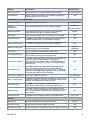
Display warning when recommended printout size is
exceeded.
Printout Size Warning
While there is no explicit limit for the number of printed lines,
each printed line consumes memory and if you plan to save
the printout as a JPEG photo, we recommend that the
number of lines be not much more than 200 lines.
Email Paper Roll As
Select format for emailing the paper roll.
ON
Text and Image
iCloud
Sync Files
Sync all saved files (modules, programs, registers, etc.).
OFF
Sync Preferences
Sync preferences.
OFF
Update Notifications
Display brief notification when there is iCloud activity.
OFF
About (In-App Settings Only)
Version
Displays the app version.
Contact Support
Tap to email support.
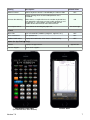
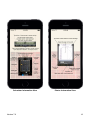
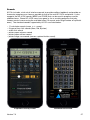
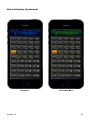
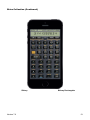
Calculator Front View
(La Pomme Mies Skin Shown)
Version 7.0!
App Version
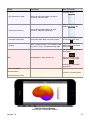
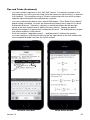
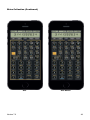
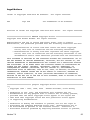
Printer View
7