1
EPLAN 5 Basic Training
Drive:
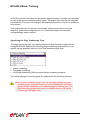
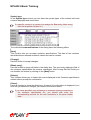
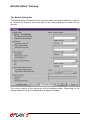
You can use the Drive menu item to temporarily change the "Data exchange drive"
(see below) specified in the input / output parameters.
To do this, select the drive on which you want to carry out a data backup or from
which you want to reload data in the Drive selection dialog box. All the available
drives are displayed.
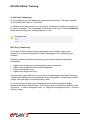
If you click on the Save permanently check box, the drive selected here is applied as
Data exchange drive in the input and output parameters.
Input / Output:
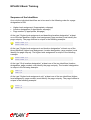
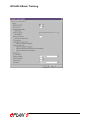
Use the Input / Output menu item to define the workstation-specific parameters for
the data backup. The following parameters are available:
•
•
•
•
Data exchange drive
(This is the drive on which the data are saved during the data backup process or
from which the data are read during a reload process.)
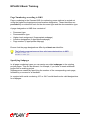
Compress data
Use old backup format
Compression program directory.