1
Chapter 4 Capturing and Analyzing Data
ComProbe SD User Manual
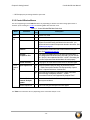
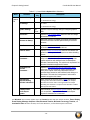
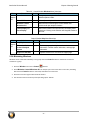
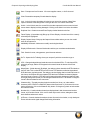
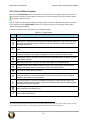
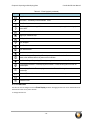
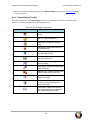
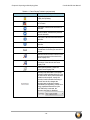
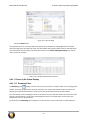
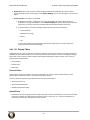
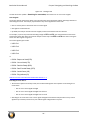
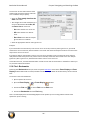
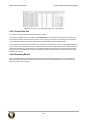
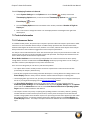
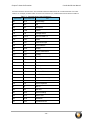
Table 4.3 - Event Symbols (continued)
Symbol
Event
Long Break
Low Power - The battery in the ComProbe® is low.
Short Break
SPY Event (SPY Mode only) - SPY events are commands sent by the application being spied on
to the UART.
Start of Frame - Marks the start of a frame.
Begin Sync Character Strip
End Sync Character Strip
Sync Dropped
Sync Found
Sync Hunt Entered
Sync Lost
Test Device Stopped Responding - The analyzer lost contact with the ComProbe for some
reason, often because there is no power to the ComProbe.
Test Device Began Responding - The analyzer regained contact with the ComProbe.
Timestamping Disabled - Timestamping was turned off. Events following this event are not
timestamped.
Timestamping Enabled - Timestamping was turned on. Events following this event have
timestamps.
Truncated Frame- A frame that is not the same size as indicated within its protocol.
Underrun Error
Unknown Event
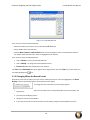
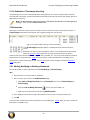
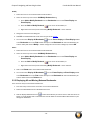
4.3.7.6 Font Size
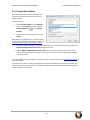
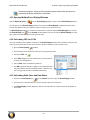
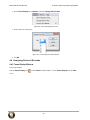
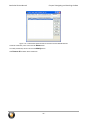
The font size can be changed on several Event Display windows. Changing the font size on one window does not affect the font size on any other window.
To change the font size:
- 34 -