1
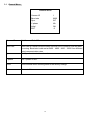
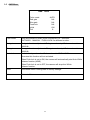
4.1 Device List
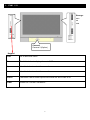
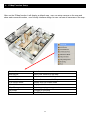
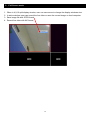
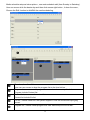
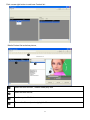
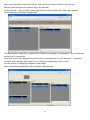
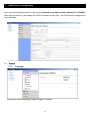
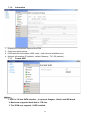
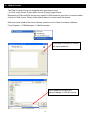
On the E-MAP user can move the camera icon to desire position, and the camera video window also
can use mouse to change windows size.
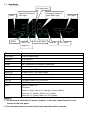
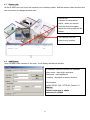
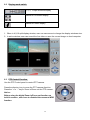
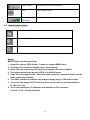
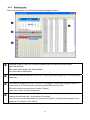
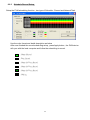
Device Info :
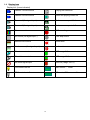
It shows all cameras list
status , when use mouse
click the device list again ,
the device info window will be
hidden .
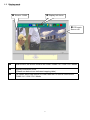
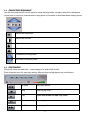
The camera icon can
move to any position
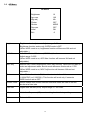
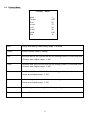
4.2 Add Device
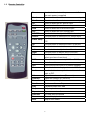
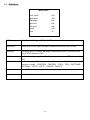
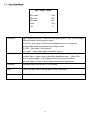
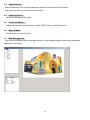
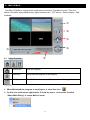
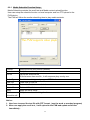
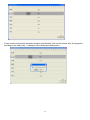
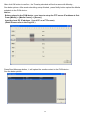
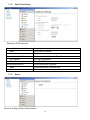
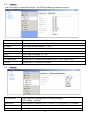
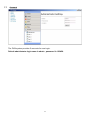
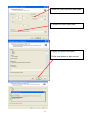
User can add a new camera on the map , it will display add device window .
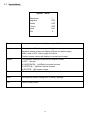
IP address: input the camera’s IP address
User name : input login username
Password : input password
Location : descript the camera location
Port number :
default RTSP :554 , HTTP:80 ,Control :21
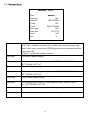
Notice :
Default username is admin ,
password is 123456
27